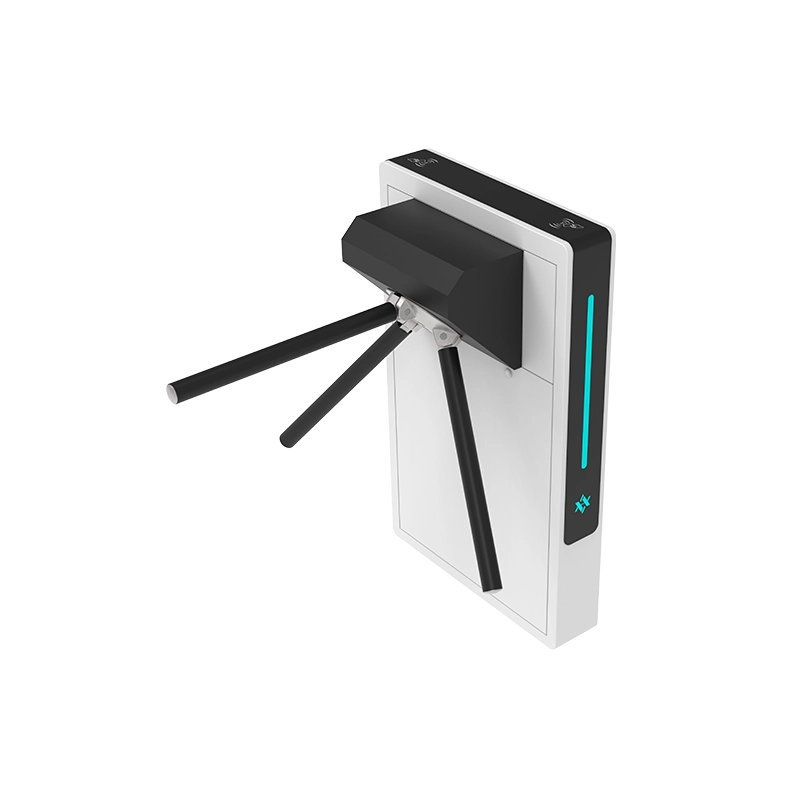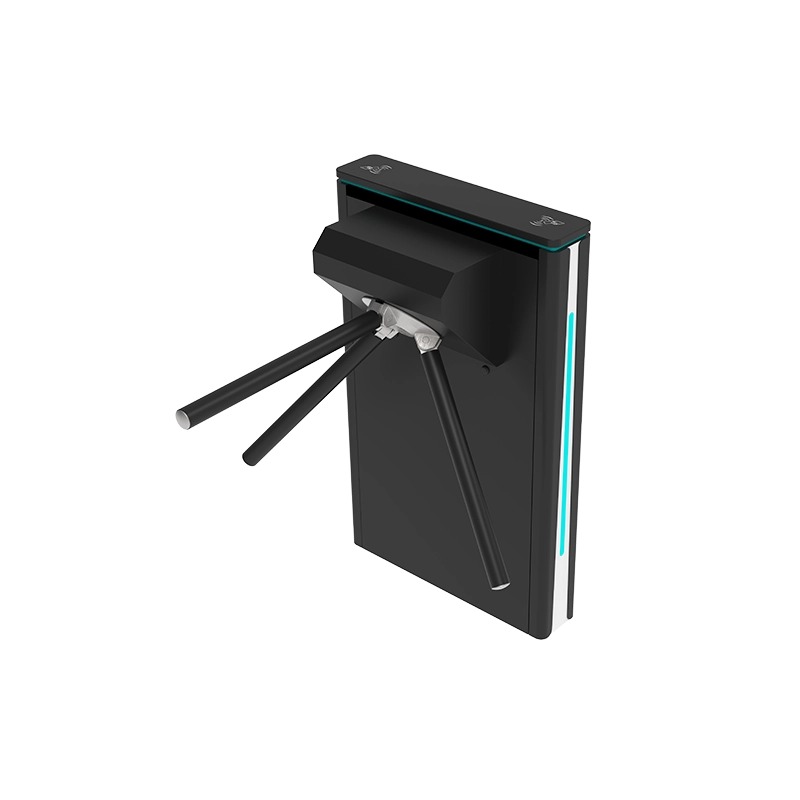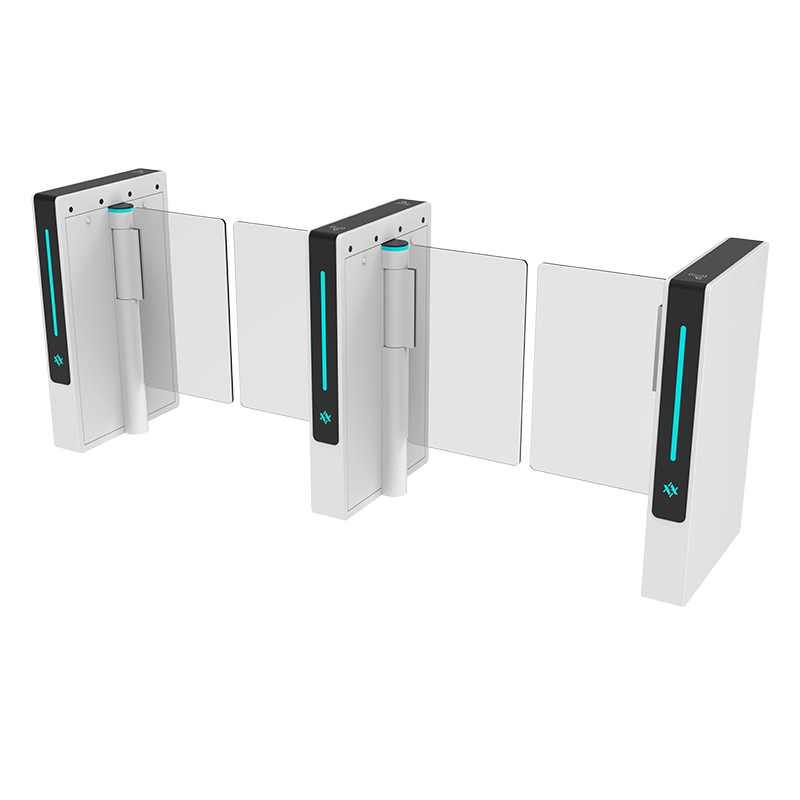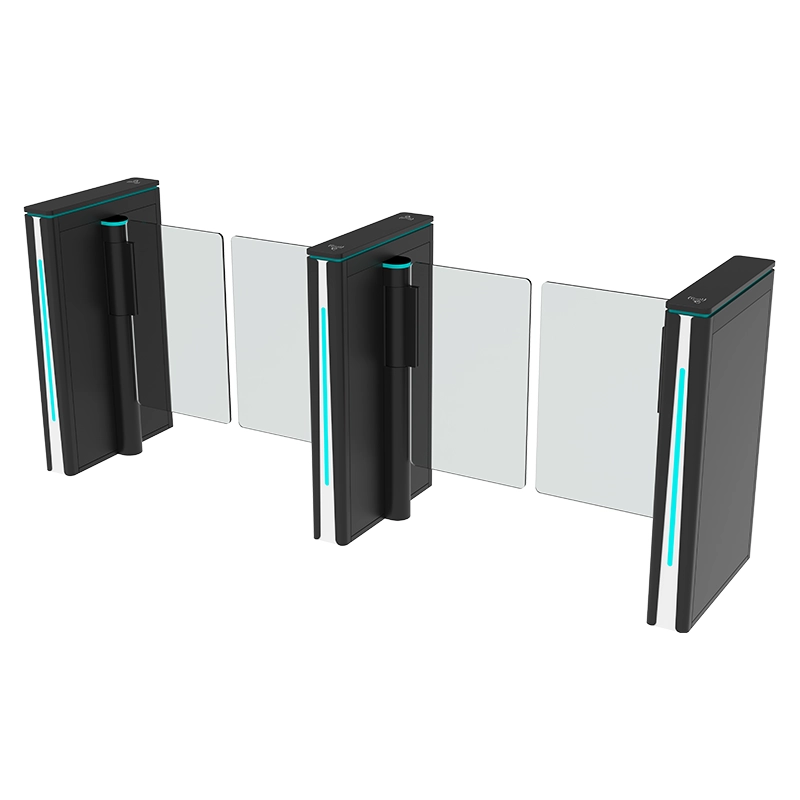

A visitor access control system is not a sign-in book with an app attached. It is a chain of decisions — invite, approve, verify, credential, pass, exit, revoke — and the pedestrian gate is the one link in that chain the visitor physically touches. Get the gate right and the reception desk stops being a bottleneck. Get it wrong and every visitor becomes a manual exception handled by a person.
This guide covers how turnstiles and speed gates fit into a visitor access control system: the seven stages from invitation to revocation, what the gate actually adds compared with a lock and a paper log, how to handle the visitors who do not fit the standard flow, how the system integrates with the access control platform, and how to specify a deployment that works on a busy Monday morning.

What Is a Visitor Access Control System?
A visitor access control system manages people who are not regular members of the building’s staff population — contractors, interviewees, clients, auditors, delivery drivers, family members, delegations. It has to do four things that a staff access system does not:
- Create identity on the spot. A staff member’s credential already exists; a visitor’s does not. The system must issue something usable within seconds of arrival.
- Bind the visit to a host. Somebody inside the building is responsible for the visitor, and the system must know who.
- Expire by default. Visitor access is temporary. It must end automatically, not by someone remembering to remove it.
- Produce an audit trail. Who came in, when, who authorised it, and where the visit ended — retrievable later without a paper archive.
That is the functional definition. The hardware question is which parts of the building are controlled by a person at a desk and which are controlled by a speed gate or a swing turnstile. In most modern deployments the answer is: the staff and pre-registered visitor lane is automated, and the unannounced visitor lane is attended.
How Visitor Access Control Works from Invitation to Exit

1. Pre-register the visitor
The host enters the visitor’s name, company, expected time window and purpose in advance. Pre-registration is the single largest efficiency gain in the whole system, because it moves the data entry away from the gate at the moment of arrival. It also allows the system to decide in advance whether the visitor needs a badge, a QR code, or nothing at all.
Design note: pre-registration must be possible from a phone in under a minute. Systems that require a desktop and a training session get abandoned, and the site reverts to the paper log.
2. Approve the visit and define access rules
Approval binds the visitor to a host and sets the rules: which doors, which time window, whether an escort is required, whether the visit is one-off or recurring. A contractor working for three days needs different rules from a client visiting a meeting room for an hour.
This is where a visitor system earns its keep. Rules set here become the parameters the gate and the readers enforce, so the receptionist does not have to remember that this particular contractor may use the goods lift but not the lab corridor.
3. Verify identity at arrival
At the entrance, the visitor’s identity is confirmed. The options, in increasing order of strength:
| Method | Strength | Best for | Trade-off |
|---|---|---|---|
| Name lookup only | Low | Low-risk sites, small offices | No proof of identity |
| Phone number or email confirmation | Low to medium | Pre-registered visitors | Depends on the codes actually being checked |
| Photo ID check by reception | Medium | Corporate offices, factories | Manual, adds a step at peak |
| ID scan or document capture | Medium to high | Regulated sites | Data protection obligations on stored ID images |
| Biometric enrolment (face or fingerprint) | High | High-security sites, repeating visitors | Consent, enrolment time, privacy policy |
Most sites land on a hybrid: photo ID for first visits and higher-risk categories, and a self-service QR check-in for known repeat visitors with a valid pre-registration.
4. Issue a temporary credential
The credential is what the gate will actually read. Options include a temporary proximity card, a QR or barcode on the visitor’s phone, a printed badge with a machine-readable code, or a biometric template tied to the visit.
Practical rules that prevent most operational problems:
- Set the expiry to the visit window, not to end of day. A visitor who leaves at 11:00 should not be able to return at 21:00.
- Bind the credential to the host. A credential that works independently of a host is a staff card in disguise.
- Make return automatic. Cards go into a return slot or are automatically voided; QR credentials expire without action.
- Log the issue. The system should record which physical card or which QR reference was issued, so a missing credential is traceable.
5. Validate the credential at the pedestrian gate
This is where the turnstile or speed gate does its work. The gate reads the credential, checks it against the access control platform, and either opens the lane or refuses passage.
What the gate adds compared with a door with a card reader:
- One person per passage. A properly configured lane with anti-tailgate detection stops an unauthorised person following a valid credential holder through — the single most common failure of an unlocked door with a reader beside it.
- A forced decision, every time. A card reader beside a propped-open door is decoration; a gate that physically controls the passage is a control.
- A recorded passage event. Entry and exit events are logged per credential, which turns the audit trail from a claim into a record.
- Directional control. Entry-only and exit-only lanes can be enforced, which matters in buildings where visitors must be separated from staff flows.
6. Handle exceptions without losing control
Every visitor system fails at the exceptions, and the exceptions are guaranteed: a visitor who arrives an hour early, a visitor whose host is in a meeting, a contractor whose credential was never activated, a delivery that needs a trolley through the lane.
The design principle is that exceptions must be resolved outside the main access lane. Provide:
- A reception desk or intercom position set back from the gate bank, where a person can resolve the case.
- A remote release function that the receptionist can trigger while watching the visitor, so the lane does not need to be physically visited.
- A clearly signed alternative route for anyone who is not yet credentialed, so they do not queue in the lane they cannot pass.
- A policy for unregistered visitors that does not involve holding the gate open for everyone behind them.
7. Check out and revoke access
Checkout closes the record. It should happen automatically where possible — an exit passage through the lane, a reader on the way out, or credential expiry — and it should revoke access, not merely note that the visitor left. A system that knows the visitor left but leaves the credential valid has recorded the risk without removing it.
For contractors with multi-day visits, the revoke step is what prevents a credential issued on Monday from still working on Friday.
What Does the Turnstile Add to Visitor Management?
A fair question from any facilities team that already has a reception desk and a card reader: what does the gate change?
| Function | Reception desk + card reader | Reception desk + speed gate or turnstile |
|---|---|---|
| Identity check | Manual, quality depends on the person | Automated read; manual check reserved for exceptions |
| Tailgating control | None | Physical barrier with detection |
| Passage record | Log written or typed, often incomplete | Automatic per-credential event, timestamped |
| Throughput at peak | Limited by staff availability | Continuous; staff handle only exceptions |
| After-hours behaviour | Open, propped or unattended | Controlled and logged |
| Cost of scaling | More reception staff | More lanes, then more staff |
The gate does not replace the receptionist. It removes the routine from the receptionist’s queue so that the human attention available goes to the visitor who actually needs it.
Which gate type for a visitor entrance?
- Speed gate. The most common choice for corporate visitor entrances: familiar, fast, glass wings, and well suited to a lobby where the lane must look architectural. Suits single-person passage with a badge or QR. See the speed gate range.
- Swing turnstile. Better where the visitor population includes people with luggage, trolleys or reduced mobility, because the clear opening can be made wider. See pedestrian swing gates for accessible entrances.
- Flap barrier. A middle option with a shorter barrier height, often used in offices and gyms where the barrier is more about flow control than security. See the flap barrier range.
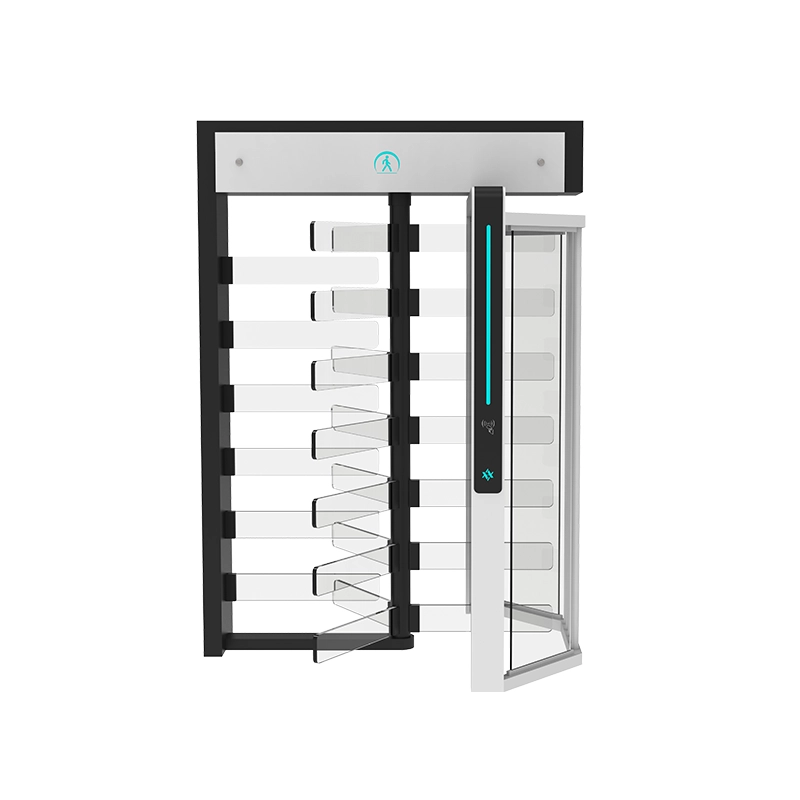
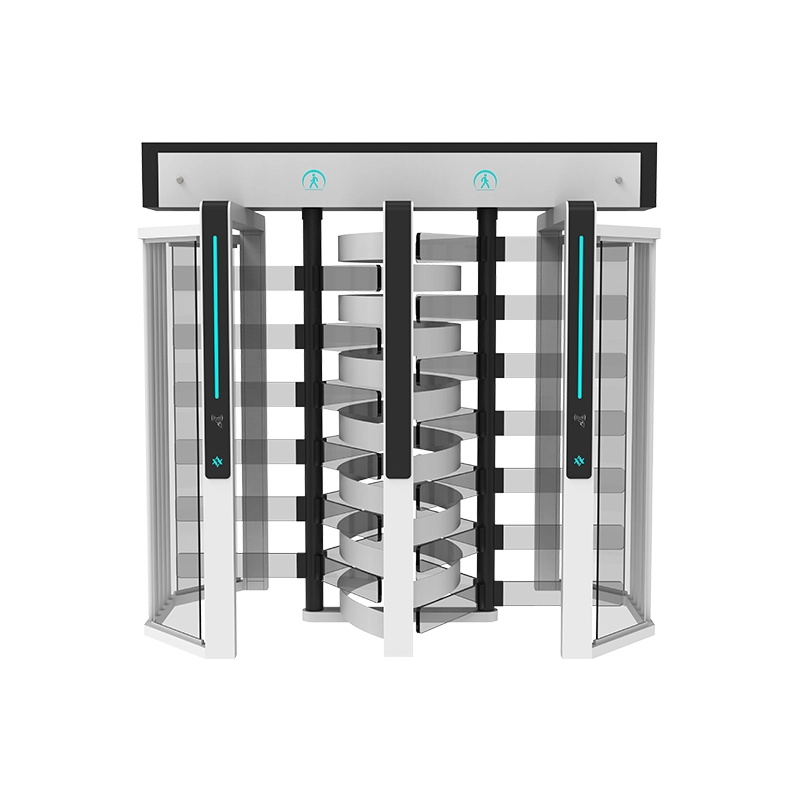
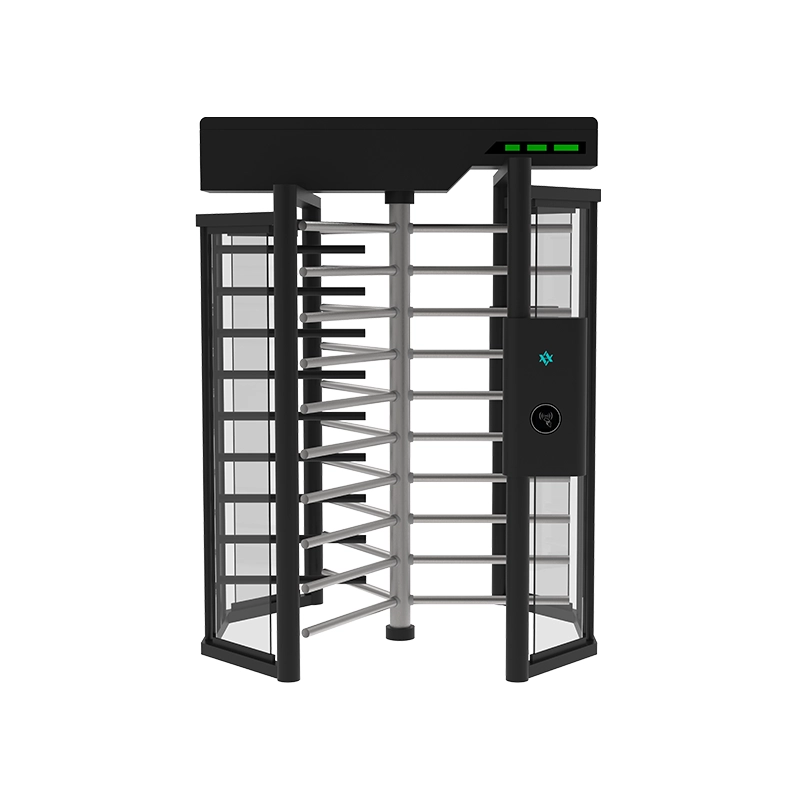
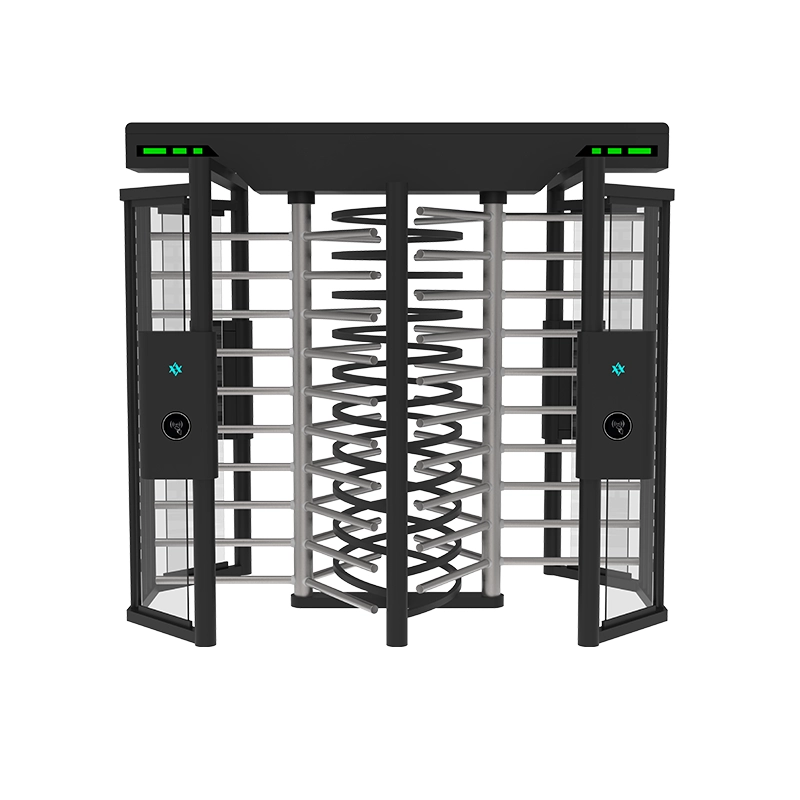
- Full height turnstile. For sites where the visitor population includes high-risk categories and a waist-height barrier is not enough. See the full height turnstile range.
Integration With the Access Control Platform
The gate is a device, not a system. It needs to talk to whatever decides whether a credential is valid.
Decisions to settle before specification:
- Who is the controller? Either the access control platform decides and the gate is a slave (open/close), or the gate controller holds the credential database and decides locally. Slave mode is standard for multi-door sites; local mode suits a standalone gate.
- What interface? Dry contact is universal but carries no data; Wiegand is common for readers; OSDP is the modern bidirectional standard; network (TCP/IP) suits gates that report events. Confirm which the platform supports before ordering.
- What does the gate report? At minimum: passage granted, passage refused, tailgate alarm, forced entry, and door-held. If the visitor audit trail matters, these events must reach the platform, not sit in the gate controller.
- How are visitors loaded? Manual entry at the desk, a self-service kiosk, or an API integration with the visitor management software. The API path removes the most labour but requires both systems to support it.
Related background: speed gate access control explains how lane controllers and credential logic are typically configured, and working principle and types of turnstiles covers the mechanical families in more detail.
Specifying a Visitor Entrance That Survives Monday Morning
| Specification item | What to state |
|---|---|
| Visitor volume | Average and peak arrivals per hour, plus the largest single group |
| Lane mix | Automated pre-registered lanes, attended unregistered lane, group or accessible lane |
| Credential types | QR, barcode, proximity card, biometric — and which readers must coexist |
| Verification policy | Which visitor categories need photo ID, scan or biometrics |
| Integration | Platform, protocol, who decides access, and which events must be reported |
| Exception handling | Intercom and remote release position; signage for unregistered visitors |
| Accessibility | Accessible lane on the natural route, with sufficient clear width |
| After-hours mode | What the entrance does when reception is closed |
| Compliance | Data protection obligations for ID images and biometrics; retention policy |
Two details that are easy to miss and expensive to add later: a **group entry policy** (a delegation of twelve arriving together will defeat a one-person-per-passage lane unless the receptionist has a documented way to handle it) and an **after-hours visitor route** that does not require propping the main gate open.
Common Mistakes in Visitor Gate Deployments
- Automating the lane without automating the exception path. The queue simply moves from the desk to the gate.
- Expiring credentials at midnight. The visitor can return in the evening with a credential that should have died at 11:00.
- No checkout. Without an exit event, the audit trail shows entries but not presence.
- Reader on one side only. Left-handed and one-hand-occupied visitors, and seated users, all struggle.
- Storing ID images or biometrics without a retention policy. A compliance problem that arrives with the first audit.
- Choosing the gate before the logic. Gate type follows from lane mix, welcome flow and credential strategy — not the other way round.
- Forgetting the service function. Cleaning carts, equipment trolleys and maintenance access must have a route that does not disrupt the visitor lane.
What a Visitor Audit Trail Should Actually Contain
The audit trail is usually the reason a site buys a visitor system, and it is usually the part that disappoints — because the gate reports passages while the visitor system records intentions, and the two are rarely reconciled.
A record that answers real questions months later needs the following fields per visit:
| Field | Why it is needed |
|---|---|
| Visitor identity and company | The basic record; must be searchable by name, not only by date |
| Host and approving person | Answers “who authorised this visit” during any review |
| Pre-registration timestamp | Distinguishes a pre-booked visit from a walk-in |
| Verification method and result | Shows what identity evidence was checked, and whether it passed |
| Credential reference | Ties the visit to the specific card or QR issued |
| Entry event (gate, lane, time) | From the gate controller — the physical record of arrival |
| Access zones actually used | Reveals an escort failure or an over-permissive rule |
| Exit event and credential revocation | The difference between “left” and “cannot come back” |
| Exception notes | Records why a rule was overridden, and by whom |
The practical point is the reconciliation between the visitor system and the gate. If the visitor platform thinks the visitor never arrived while the gate logged an entry, the record is not trustworthy, and one of the two integrations is misconfigured. Test this on a real visit during commissioning — walk in with a test credential, then confirm that both systems agree.
Reporting that facilities teams actually use
- On-site now. A live list of visitors currently inside, by host — the report used most often, and the first one to check during an evacuation drill.
- Overstays. Visitors whose expected window has passed but who have not checked out.
- Denied entries. Credentials refused at the gate, which is where a mis-set rule or a stale credential shows up.
- Tailgate alarms. A cluster of alarms at one lane usually means a lane setting problem, not a security incident.
- Host activity. Which departments generate the most visits and the most exceptions — useful for deciding where to invest in self-service.
Data Protection and Retention for Visitor Credentials
The gate is a data-collecting device, and visitor data carries obligations that staff access data does not.
- Collect the minimum. If the site does not need a scanned ID image, do not take one. Every additional category of personal data adds a retention and security duty.
- Set a retention period and enforce it. A visitor record kept indefinitely “because storage is cheap” is the most common finding in a privacy review. Define how long records are kept, then configure automatic deletion.
- Biometric data needs explicit consent and a policy. A face or fingerprint template is a special category of personal data in many jurisdictions. A site using biometrics for visitors needs a lawful basis, an information notice and a deletion schedule before the first visitor is enrolled.
- Secure the credential database. QR credentials that are guessable or that do not expire are an access risk dressed as a convenience feature.
- Document the flow. Where visitor data is stored, who can see it, how long it lives and who deletes it — written down, not assumed.
Meeting these obligations is a design task, not a paperwork task: the retention period determines what the visitor platform must be able to delete, and the consent model determines whether biometric lanes can be offered at all.
Frequently Asked Questions
Do we need a turnstile for visitor management, or is a card reader enough?
A card reader controls access to a door; it does not control how many people pass through it. If tailgating is a real risk, or if the audit trail must be reliable, a gate with anti-tailgate detection is the control that a reader beside an open door cannot provide. For low-risk offices with a continuously staffed reception, a reader alone can be defensible.
What is the best credential for visitors?
A QR code delivered to the visitor’s phone is the most practical default: no card handling, no return process, expiry built in, and easy to revoke. Proximity cards are better where the visitor population is repeat and the site prefers no phone use. Biometrics suit high-security sites but add enrolment time and data protection obligations.
Can a speed gate read a visitor QR code?
Yes, with a 2D imaging reader rather than a laser scanner, and with the reader head positioned so the visitor presents the code naturally face-on. Light conditions at the lane are the deciding factor in practice — backlit glass vestibules are the most common cause of QR read failures. For gate-specific detail on airport-style QR lanes, see airport swing gates and passenger flow planning.
How long does installation and integration take?
A single-lane visitor entrance with a standalone reader can be installed in a day. A multi-lane bank integrated with an existing access control platform typically runs longer, driven mainly by the software integration and the commissioning of exception logic rather than by the hardware.
What does a visitor gate cost?
As a China ex-works market reference, a speed gate or swing lane for a visitor entrance generally falls in the mid four-figure USD range per lane for standard configurations, before reader integration, installation and any custom finish. Multi-lane banks and biometric verification sit above that. Treat these as planning bands and request a configured quotation against your lane schedule.
Design the Flow Before You Buy the Gate
Visitor access control works when the seven stages — pre-register, approve, verify, credential, pass, exception, revoke — are each owned by a specific person or system, and the gate is placed where it enforces the decision that has already been made. Choose the lane type from the visitor population and the welcome flow: speed gate for a fast corporate lobby, swing or sliding lane where accessibility and luggage dominate, full height where the risk profile demands it. Then specify the integration, the exception route and the revoke behaviour, because those are the parts that determine whether the system survives its first busy Monday.
AIPADA has manufactured pedestrian access gates since 2014 in Dongguan — 3,000 m² of production, 80 staff, 3,000 units a month — supplying speed gates, swing, flap barrier, tripod, full-height and sliding lanes to integrators, contractors and distributors in Europe, the Middle East and Southeast Asia. Every lane is CE marked, covered by a 2-year warranty and quoted with a documented spare-parts list. Browse the speed gate range or the flap barrier range, and send your visitor volume, credential strategy and integration requirements for a configured quotation.