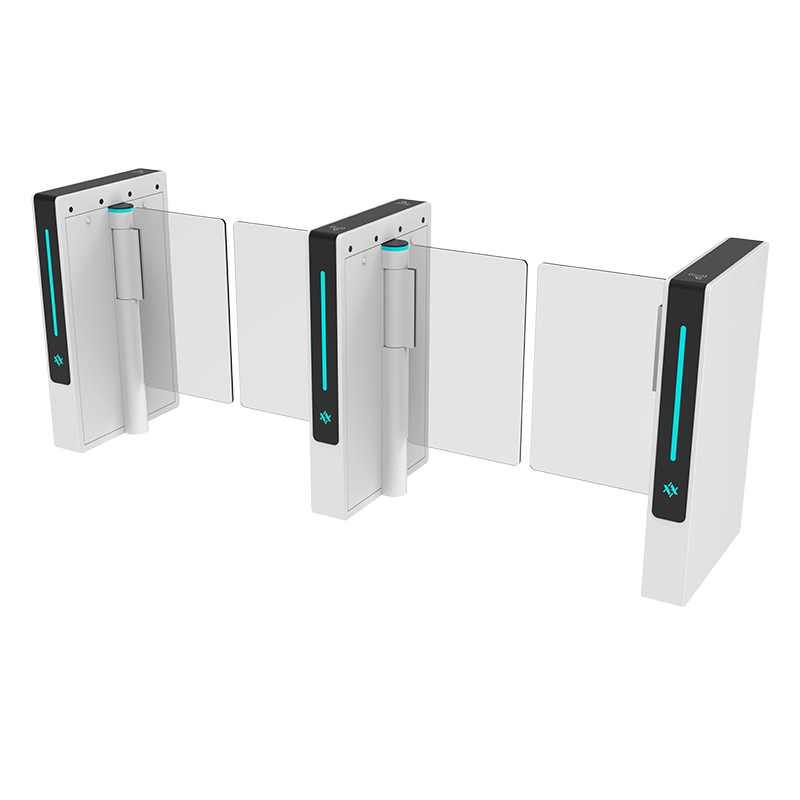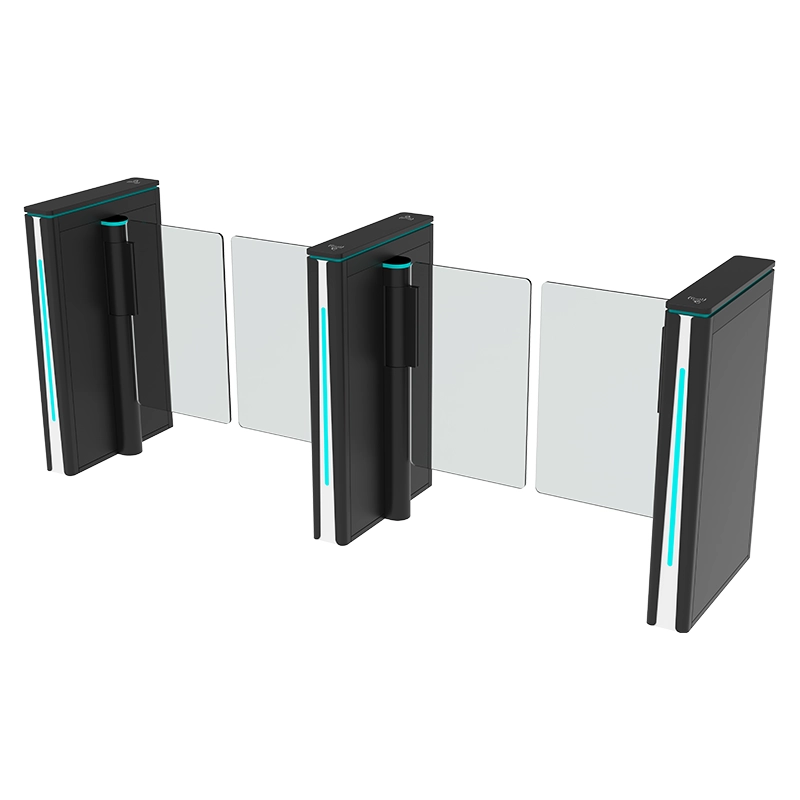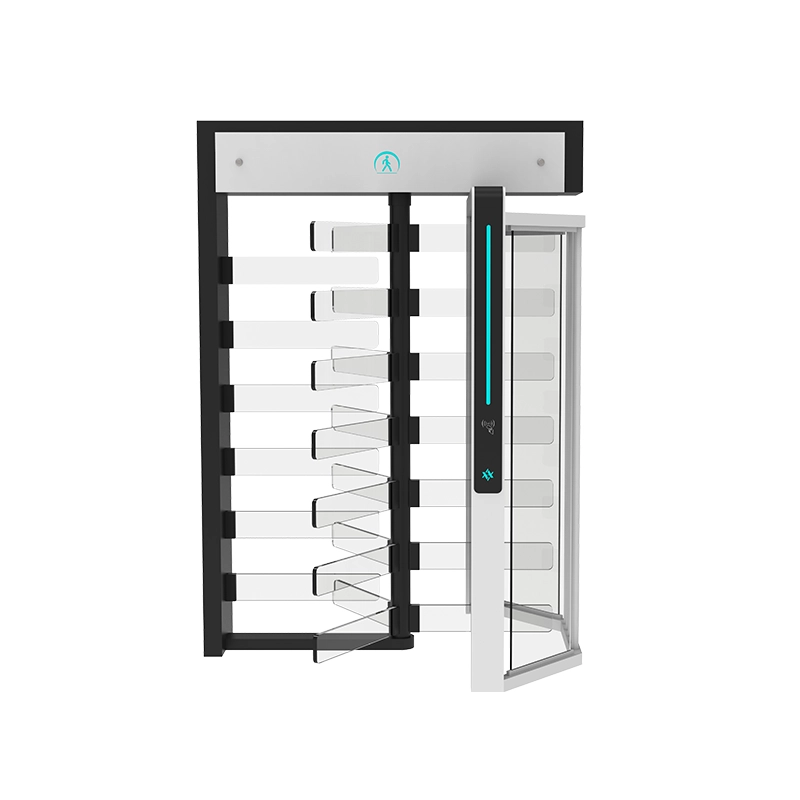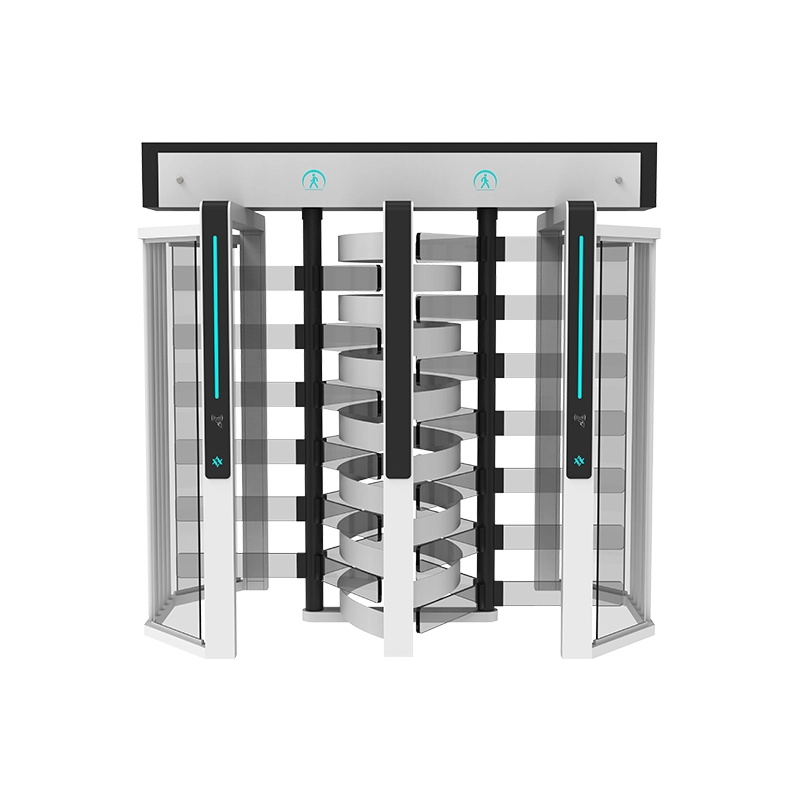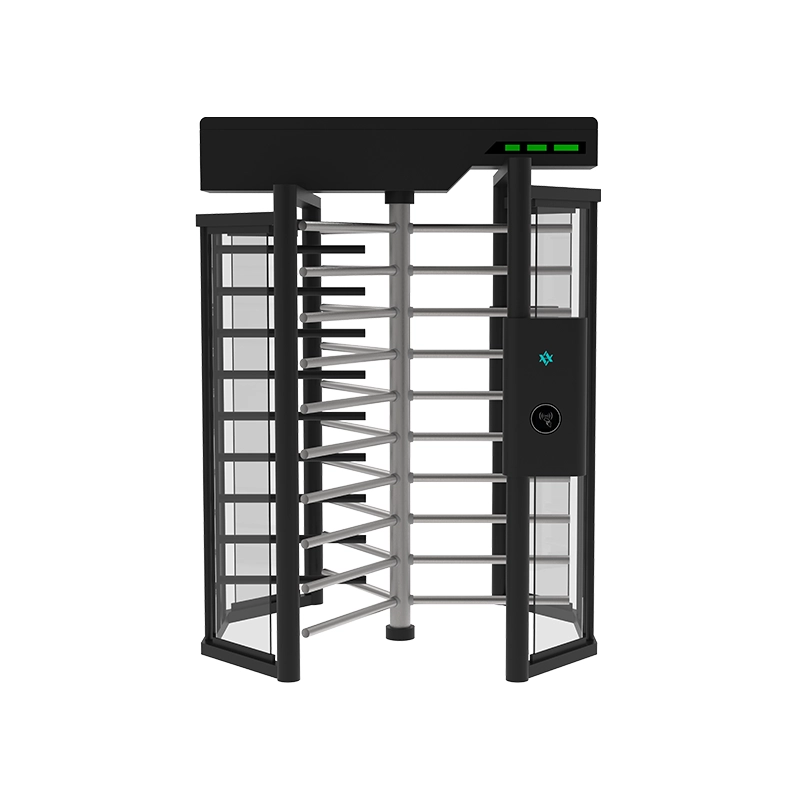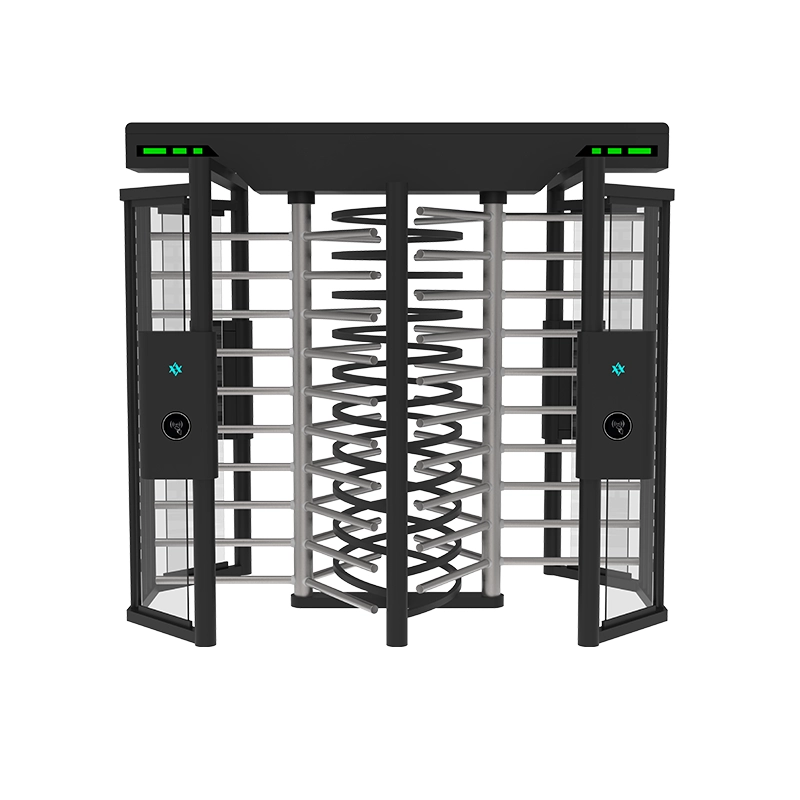

Speed gate maintenance is the planned inspection, cleaning, lubrication and functional testing of a speed gate turnstile’s IR sensor array, motorized barriers, drive train and control system. A written turnstile maintenance checklist turns that work from “react when it breaks” into a routine that catches contamination, noise, loose fittings and irregular barrier movement before they close a lane, and produces the dated service record support needs.
A speed gate is a precision assembly, not a static barrier: a brushless motor, gearbox, belt, IR beams and a logic controller cycle together hundreds of times an hour. This guide covers what to check and how often, how to adjust intervals for traffic and environment, which spares to stock, how to read an MCBF rating, and when a speed gate service call should replace in-house work. New to the equipment? Review the working principle and types of turnstiles first.

Why Speed Gate Maintenance Matters More Than for Mechanical Turnstiles
Most lanes cycle in under a second, and detection relies on infrared beams resolving a single person crossing. That precision is why small problems escalate quickly: a film of dust on one lens, grit in the barrier track, or a connector backed off a fraction of a turn produces nuisance faults long before a hard failure. A contaminated sensor does not stop working, it starts misreading — and a slightly misaligned barrier loads the motor, gearbox and bearings harder every cycle, so ten thousand cycles later a two-minute adjustment has become a drive replacement.
The correct interval depends on model, cycles per lane per day, operating mode and environment. Use the schedule below with the manual for your specific speed gate turnstile.
Speed Gate Maintenance Schedule: Daily to Annual
This is a baseline for a standard commercial installation — an office lobby or retail entrance running roughly 500–1,500 cycles per lane per day.
| Frequency | Task | What to check | Who does it |
|---|---|---|---|
| Daily | Visual and operational check | Wipe fingerprints from panels; confirm status LED and lane indicators are normal; listen for unusual motor noise; confirm barriers rest fully closed. | Facilities staff |
| Weekly | Sensor and surface cleaning | Clean accessible IR sensor windows with approved cleaner and lint-free cloth; wipe stainless housings non-abrasively; confirm even barrier travel with no drag. | Facilities staff |
| Monthly | Mechanical inspection | Inspect barrier alignment, cabinet stability, anchors and accessible fasteners. Record vibration or looseness. Lubricate only manual-specified points. Note cycle counter and fault log entries. | Facilities staff, with manual |
| Quarterly | Electrical and safety check | Authorized person inspects internal connections, terminal tightness, earth bonding and safety functions; tests obstacle response and emergency opening. | Trained technician |
| Annually | Full service and calibration | Sensor performance, beam and barrier timing, drive and belt condition, bearings, access-control integration, full fault-log review. Calibration or firmware changes only when supported for that model. | Trained technician |
Note on lubrication: do not assume every speed gate needs routine greasing. Some drive modules are sealed for life. Never open or lubricate a motor or gearbox unless the manual explicitly requires it and a qualified technician is doing the work — the wrong grease in a sealed gearbox is worse than none.
Adjusting Intervals for Traffic and Environment
- High traffic (3,000+ cycles per lane per day). Move weekly cleaning to twice weekly and monthly inspection to every two to three weeks.
- Outdoor and semi-outdoor. These need a model rated for the environment with appropriate ingress protection; dust, rain, insects and temperature swings justify more frequent sensor and enclosure checks.
- Coastal and high humidity. Add monthly corrosion inspection of fasteners, connectors and exposed fittings. Salt air attacks 304 stainless faster than 316 — confirm the grade before installation.
- Dusty industrial sites. Increase cleaning around sensor covers and the lane floor, but never blow compressed air into the cabinet.
- Freezing climates. Confirm the rated operating range and check for moisture freezing in the cabinet or barrier track.

Moving Parts: Motor, Gearbox, Belt and Bearings
The drive train is where maintenance effort converts most directly into service life. AIPADA speed gates use brushless DC motors with a matched reduction gearbox and either a belt or direct coupling to the barrier spindle.
Motor
Brushless designs have no commutator or carbon brushes, so the motor is largely maintenance-free. Monitor temperature (the housing should be warm, not hot), sound (a rising whine, clicking per cycle or growl on deceleration points to bearing wear), and current draw where the controller exposes it — log it monthly, since a slow upward trend is the earliest wear signal.
Gearbox
Most speed gate gearboxes are sealed and lubricated for life — do not open one. Watch external symptoms instead: oil weeping at the output shaft seal, dark streaking on the housing, or a change in the sound of the reduction stage. Seal weeping is a technician repair.
Belt and Coupling
Check tension — a loose belt slips under acceleration and shows first as sluggish opening, while an over-tight belt loads motor and bearings. Check glazing and cracking — a shiny polished face or visible cracks means the belt is done. Check tracking — belt dust in the cabinet indicates misalignment that will wear the belt edge and then the pulleys.
Bearings and Barrier Spindle
With power removed under an approved lockout procedure, rotate the barrier slowly by hand and listen for roughness, notchiness or lateral play. Any of these means bearing replacement is due.
| Component | Service interval | Wear signs | Action |
|---|---|---|---|
| Motor bearings | Sealed on most models; inspect yearly | Whine, heat, higher current draw | Replace motor or bearing set |
| Gearbox | Sealed for life, otherwise per manual | Oil weeping at seals, change in tone | Reseal and refill with specified lubricant |
| Drive belt | Inspect monthly; replace on condition | Glazing, cracks, belt dust, slipping | Replace belt, then verify alignment |
| Barrier spindle bearings | Inspect quarterly; grease only if manual names a point | Roughness, play, grinding | Replace bearing set |
| Pivot points named in manual | Typically 6–12 months | Dry movement, squeak | Apply specified lubricant sparingly |
| Anchors and fasteners | Check monthly, torque quarterly | Cabinet rock, floor-line gap | Re-torque to specification |
IR Sensor Cleaning and Re-Alignment
Infrared sensors cause more nuisance faults than any other subsystem, and they are the one component your in-house team can look after with almost no tooling.
How to Clean IR Sensors Correctly
- Isolate the lane. Where the controller allows, place the unit in maintenance mode so a passer-by cannot trigger a cycle while you work in the detection zone.
- Use a soft lint-free microfiber cloth. Paper towel leaves fibers on the lens, and those fibers are optical obstructions.
- Use an approved cleaner. Never abrasive cream, scouring pads, acetone or solvent-based products — they cloud polycarbonate covers and dull stainless.
- Wipe, do not scrub. Light circular passes remove the dust film; pressure risks scratching the window.
- Clean both sides of every lane. Emitters and receivers are paired, so a clean transmitter facing a contaminated receiver causes the same fault as the reverse.
- Do not adjust anything in the same session. Clean first, then observe.
Re-Alignment Basics
Re-align only with evidence of misalignment: persistent false triggering at one spot, detection that works only when someone walks close to one side, or a post that moved after impact. It needs the model’s diagnostic mode and, on some controllers, an alignment target, so it is a technician task.
Done properly: confirm cabinets are plumb and lane width is to specification; verify each beam reaches its receiver with adequate signal margin; adjust brackets so signal strength is centered rather than marginal; then re-test at slow, normal and fast walking speed plus a trailing-second-person test. A gate that passes when you walk slowly but fails at normal speed is not aligned — it is on the edge and will fail again.
Control Board, Firmware and Electrical Checks
- Terminal tightness and oxidation. Check power, motor and sensor terminals for tightness and for the pale-green or black discoloration of heat or oxidation; loose terminals cause intermittent faults.
- Earth bonding. Verify protective earth continuity. This is a safety item, not a formality.
- Moisture and dust ingress. Investigate any condensation or dust inside the cabinet and correct the seal, rather than simply wiping it up.
- Error state. Read and record on-board LEDs and any error display. The fault code plus the operating conditions is the most useful thing you can hand a technician.
- Backup battery. Where fitted, check condition and terminals and replace on the manual’s schedule.
Firmware updates fix real issues, but they are not routine maintenance. Update only with manufacturer-supported firmware for your exact controller and model; wrong-model or third-party firmware can leave a lane unusable. Record the version before and after in the log with the reason for updating.
Cabinet, Glass and Powder-Coat Care
Stainless Steel and Powder Coat
Use a soft cloth and mild approved cleaner, following the grain direction on brushed finishes to avoid visible scratch patterns. Avoid bleach-based cleaners, which attack the passive oxide layer and are a leading cause of pitting in pool and coastal environments. Wipe dry rather than air-drying, since residue attracts dust and holds moisture. Touch up powder-coat chips early — a chip exposing bare metal rusts from the inside out.
Glass and Acrylic Barrier Panels
Use a cleaner approved for the panel material — never a scouring pad or blade scraper, since tempered glass edges and acrylic damage easily. Check panel clamp screws monthly; a panel that has started to shift will eventually crack at the clamp. Inspect edges for chips, because a chip on a tempered panel edge propagates into full failure. Acrylic yellows in outdoor sunlight, so plan periodic replacement on outdoor lanes.
Coastal and Outdoor Corrosion Control
Specify 316 rather than 304 stainless for housings and exposed fasteners; rinse exterior housings with fresh water after storm or salt-spray events; inspect anchors and dissimilar-metal contact points quarterly, since galvanic corrosion appears there first; and renew coatings or sealants on schedule rather than on failure.
Spare Parts to Keep in Stock
Waiting for a part is the biggest driver of speed gate downtime; a modest spares kit converts a multi-day outage into a same-day fix. Lifetimes below are planning guidance under normal commercial traffic; replace on condition.
| Spare part | Quantity | Typical service life | Notes |
|---|---|---|---|
| Drive belt | 1 per 2–4 lanes | 2–4 years | Replace on glazing or slipping |
| Spindle bearing set | 1 per 4–6 lanes | 3–5 years | Replace on roughness or play |
| IR sensor module or board | 1 per 3–5 lanes | 4–7 years | Most common electrical replacement |
| Control board, same version | 1 per 6–10 lanes | 6–10 years | Fastest route to restoring a lane |
| Motor / gearbox assembly | 1 per 8–12 lanes | 5–8 years | Order on failure; 7–15 day lead time |
| Barrier panel | 1 per 5–8 lanes | Acrylic yellows outdoors in 4–6 years | Impact damage is the usual reason |
| Power supply unit | 1 per 4–6 lanes | 5–8 years | Common failure after power events |
| Locks, hinges, fasteners | Small assortment | On condition | Low cost, high nuisance value |
| Backup battery (if fitted) | 1 per fitted unit | 3–5 years | Replace on schedule |
| Cleaning consumables and lubricant | Continuous stock | — | Keep on site so cleaning happens |
When ordering, give the model, controller version, serial number and part number from the manual, plus a photograph of the existing part and the fault-log entry.
Common Faults and First-Response Troubleshooting
This is a first-response guide, not a repair manual. Its purpose is to let staff take the safe first step, capture what a technician needs, and avoid making the fault worse.
| Symptom | Likely cause | First action |
|---|---|---|
| Barrier will not open for a valid credential | Reader-controller comms fault, controller in fault state, sensor blocking the cycle | Read the fault code, clear the detection zone, retest; escalate if it repeats |
| Gate triggers with nobody in the lane | Contaminated lens, sun or floor glare into a receiver, loose bracket | Clean all lenses both sides; check for new reflective surfaces |
| Gate does not detect, or detects late | Blocked or misaligned beam, dirty receiver, wrong detection zone setting | Clean and re-test at walking speed; do not change settings without model-specific guidance |
| Barrier opens slowly or inconsistently | Loose or glazed belt, rising resistance, low motor torque | Log where it hesitates; schedule inspection of belt tension and drive load |
| Barrier stops mid-travel or reverses | Obstacle in safety zone, misaligned sensor, wrong timing profile | Remove from service; confirm no obstruction, clean sensors, escalate |
| Loud grinding every cycle | Bearing failure, barrier rubbing the cabinet, debris in track | Stop using the lane; continued running converts a bearing job into a drive job |
| Barrier does not close fully | Misalignment, obstructed travel, wrong closed-position setting | Inspect the track; if the gap persists, schedule alignment |
| Gate resets or reboots repeatedly | Unstable supply, loose terminal, degrading power supply | Record correlation with power events; have voltage checked |
| Emergency opening does not function | Safety input fault, wiring issue, function not enabled | Safety-critical; isolate the lane and escalate immediately |
Before contacting support, gather four things: model and controller version, the exact fault code, photos or a short video, and your recent maintenance history. Our speed gate troubleshooting guide covers the most frequent faults in more detail, and the access control range covers the reader side.
How to Read an MCBF Rating and Plan Replacement
MCBF is Mean Cycles Between Failures — the average number of open/close cycles a mechanism completes per failure event, measured across a test population. It is not a warranty period and not a service life, and confusing the two is the most common specification mistake in this category.
- It is an average, not a guarantee. An MCBF of 3,000,000 cycles means failures occurred on average once per 3 million cycles across tested units; individual units do better or worse.
- Convert it into calendar time. Divide by your real daily load. At 1,000 cycles per lane per day, 3,000,000 cycles is about eight years; at 5,000 per day, under two years.
- Cycles are counted per lane. A rating of 3 million cycles spread across four lanes divides across four mechanisms.
- Assume stated test conditions. A rating achieved in a controlled test will not reproduce in a dusty, humid lobby without maintenance.
- Expect component-level variation. Overall MCBF is set by the weakest link; belts, bearings and sensors need replacement several times before the mechanism itself fails.
Baseline cycle counts now and calculate cycles per day for the busiest lane, not the average lane. Inspect belts and bearings at roughly 50% of expected life and replace at 75–80%, or earlier if the fault log shows a rising trend. When service calls per lane per year climb and each one addresses a different component, you are past the economic repair point. See the speed gate price guide when budgeting replacements.
DIY In-House Maintenance vs. a Service Contract
The decision is not all-or-nothing — it is drawing a line between tasks that are safe in-house and tasks that need training, tooling and model-specific documentation.
| Safe for in-house facilities staff | Belongs in a service contract |
|---|---|
| Daily visual and operational checks, and reporting anomalies | Any work inside the motor, gearbox or sealed drive housing |
| Weekly wiping of sensor lenses, panels and housings with approved materials | Sensor calibration and beam re-alignment after a fault |
| Monthly inspection of alignment, cabinet stability and accessible fasteners | Control board diagnostics, firmware updates and wiring repair |
| Maintaining the maintenance log and fault history | Bearing, belt and spindle replacement |
| Lubrication only at points the manual names, with the specified lubricant | Repair after a barrier stops closing squarely, grinds or throws an error code |
| Supporting an approved emergency-opening test under the site’s safety procedure | Annual full service with timing and calibration verification |
A contract earns its cost when you run ten or more lanes; your site is outdoor, coastal or industrial; you have no in-house electrical competence; or lane downtime directly costs revenue or compliance. It is less necessary for a small, clean, indoor installation. Either way, keep records.
Warranty Coverage and AIPADA Support
AIPADA (Shenzhen Aipada Technology Co., Ltd., founded 2014) builds speed gates at its Dongguan factory — 3,000 m² of production space, 80 staff, capacity 3,000 units per month — and supports them under a defined program:
- 2-year warranty plus lifetime technical support. Warranty covers defects as set out in the written terms. Lifetime technical support continues beyond the warranty period, so a fault code, part identification or maintenance question is still something you can bring to us years after installation.
- Certification. CE certificate ZR0119400918C and CMA and CNAS test report UCT1648D35. Design patent ZL 2021 3 0788509.8 and 4 software copyrights.
- Commercial terms. Lead time 7–15 days, MOQ 1 unit, payment by T/T with 30% deposit — so a replacement lane or critical spare can be ordered as a single unit.
Coverage is affected by unauthorized modification, use outside specified conditions (an indoor-rated unit installed outdoors, exceeded temperature or ingress limits), and incorrect servicing such as the wrong lubricant. Consumable wear is not a defect: belts, bearings, sensor surfaces and panel materials wear as normal operation, so their replacement is maintenance rather than warranty service.
For maintenance questions, spares or a project quotation, contact info@aipadaturnstile.com or WhatsApp +86 191 2995 1956.
Frequently Asked Questions
How often should a speed gate turnstile be serviced?
Daily observation and weekly cleaning can normally be handled in-house, with monthly mechanical checks, quarterly electrical and safety inspection, and an annual full service and calibration. High traffic, dust, humidity, coastal air and repeated faults justify shorter intervals.
Can facilities staff perform speed gate maintenance themselves?
Yes, for routine tasks: exterior and sensor cleaning, visual inspection, fastener checks on the visible cabinet, and logging. Lubrication, internal fastener work, calibration, controller diagnostics, firmware updates and wiring changes should only be done when the manual permits and by trained personnel.
What is the most common cause of speed gate turnstile faults?
Contamination or obstruction around the sensor area is the most frequent cause of nuisance alarms, followed by misalignment and loose wiring. Reader communication problems and incorrect settings produce similar symptoms, so the first step is always the same: clean the accessible sensor surfaces, confirm the lane is clear, and record the fault code.
How do I clean speed gate IR sensors without causing a fault?
Use a soft lint-free microfiber cloth with a cleaner approved for the sensor cover. Wipe with light pressure, clean both sides of every lane, and do not adjust settings in the same session — clean first and observe.
Does skipping maintenance void the warranty?
Not automatically. Coverage depends on the written terms and the actual cause of failure. Unauthorized modification, incorrect servicing, use outside specified conditions, and damage a documented program would reasonably have prevented are what affect coverage.
How long do speed gate turnstiles last with proper maintenance?
Useful life depends on the rated mechanism, daily cycles per lane, flow quality, the environment and maintenance history. Ask for the model-specific MCBF rating, then convert it into calendar time using your own daily traffic.
Keep Your Speed Gates Running at Full Speed
A documented speed gate turnstile maintenance program lets a facilities team spot changes early, plan service on its own schedule instead of the failure’s schedule, and hand technical support a clear record when something does go wrong. The core of it is simple: a daily glance, a weekly wipe-down, a monthly mechanical check, a quarterly electrical and safety inspection, an annual full service, and a log that ties it together.If you are specifying new gates, our guide to turnstile working principles and types explains how the mechanism you choose shapes the maintenance it will need, and the AIPADA speed gate range lists models for lobbies, transport facilities and outdoor installations. For a maintenance question, a spare parts order or a new project quotation — with 2-year warranty plus lifetime technical support, MOQ 1 unit and 7–15 day lead time — contact the team at info@aipadaturnstile.com or WhatsApp +86 191 2995 1956.