
Integrating Flap Barriers With Access Control: Signals, Wiring and the Checklist That Prevents Callbacks
Most flap barrier problems are not barrier problems. They are integration problems: a reader that reads but does not open, a gate that opens in the wrong direction, an alarm that fires on every second person, a fire relay that does not release the lane. In our experience roughly two out of three “the turnstile is faulty” call-outs turn out to be a signal, a configuration or a wiring issue between the barrier and the access control system.
This guide is written for the integrator, the electrical contractor and the project engineer who has to make a flap barrier work with an existing access control platform. It covers the signal types a barrier accepts, how to wire each of them, what to specify about fail modes, how to test before handover, and where the common mistakes are. It is the practical companion to our flap barrier technical guide.
What the Barrier Actually Needs From You
Strip away the branding and a flap barrier is a mechanism with a control board that understands four or five inputs. Whatever access control system sits above it, the interface reduces to these:
| Signal | Purpose | Typical form |
|---|---|---|
| Open request (entry) | Tells the gate to release a passage in | Dry contact (NO relay) or Wiegand data |
| Open request (exit) | Same, in the other direction | Dry contact or Wiegand |
| Fire / emergency release | Forces the lane open (or locked, per fire strategy) | Dry contact, normally closed loop |
| Passage feedback | Confirms a person actually crossed | Dry contact pulse, or digital event over the network |
| Alarm / tamper | Reports tailgate, forced entry or fault | Dry contact or digital event |
| Reader data (optional) | Credential serial number for the controller to decide | Wiegand 26/34, RS-485, or OSDP |
Almost every project we ship succeeds or fails on the first three. Passage feedback and alarms matter for the audit trail; credential data matters for how the decision gets made.
The Three Integration Architectures
Architecture 1: The barrier is dumb, the controller decides (most common)
Readers are wired to the access control panel, not to the barrier. The panel decides whether the credential is valid and then closes a relay, which sends a dry-contact pulse to the barrier’s open input. The barrier simply opens, waits for its own sensors to see a passage, and closes.
Advantages: credential logic, database and reporting stay in one place; the barrier is interchangeable; adding a new credential type means changing readers and panel configuration, not the gate.
Watch out for: pulse length. Too short and the barrier ignores it; too long and a single presentation can release two passages. We normally specify a 200–500 ms pulse and confirm the minimum with the gate supplier. Also confirm the relay is a clean dry contact — a panel that puts voltage on the “contact” will damage an input expecting a dry closure.
Architecture 2: The barrier is the controller (standalone)
Readers are wired directly to the barrier control board. Credentials are stored in the barrier or in a manufacturer-supplied management application, and the barrier decides on its own. This suits smaller installations — a gym with one lane, an office with a single door — where there is no building-wide system to integrate with.
Advantages: simple, one vendor, fast to commission.
Watch out for: the database lives in the gate, so HR integration, visitor pre-registration and multi-door policy become harder. Plan the growth path before choosing this route, because migrating 400 cards out of a gate into a central system later is not free.
Architecture 3: Hybrid — panel decides, gate enforces
The panel holds the credential database and makes the decision, but the barrier’s own sensor array enforces the passage rule (one person per open cycle) and reports the crossing event back to the panel. This is the architecture used in most security-conscious installations, and it is the only one that gives both centralised policy and genuine anti-tailgating enforcement.
Watch out for: time synchronisation and event ordering. If the gate’s clock and the panel’s clock disagree, the audit trail will look like the passage happened before the credential was presented. Set NTP on both.
Wiring the Interface: Practical Detail
Dry contact in
Two terminals on the barrier board, usually labelled IN1/IN2 or ENTRY/EXIT with a COM. Wire the panel’s relay COM to the gate COM and the panel’s NO to the gate input. Use shielded twisted pair for anything over a few metres and earth the shield at one end only. Do not run the signal cable in the same conduit as motor or lighting power — induced noise on a signal pair is a classic cause of random openings.
Wiegand
Six conductors: DATA0, DATA1, ground and the reader’s power pair, plus optionally a LED and buzzer control line. Keep the run short — Wiegand is not designed for long cable distances, and we recommend converting to RS-485 or OSDP beyond about 30 m. If the reader reads but the gate never opens, check DATA0/DATA1 are not swapped and that the ground is genuinely common between reader, panel and gate.
RS-485 and OSDP
The right choice where readers are more than a short cable run from the controller, or where you need encrypted reader-to-controller traffic. Termination resistors at both ends, a unique address per reader, and a consistent baud rate across the bus. OSDP Secure Channel is increasingly required in government and financial projects.
Network integration
Some barriers expose an Ethernet port and speak a documented API or a protocol such as Wiegand-over-IP or OSDP-over-IP. This gives you remote diagnostics, firmware updates and event streaming — worth having on a multi-lane install, and worth insisting on if the site is remote.
Fire and emergency release
This is the interface that carries the most regulatory weight and is most often wired wrong. The fire alarm interface must match the site’s fire strategy:
- Fail-open: a normally energised relay drops out on alarm and the lane opens. This is what a life-safety escape route normally demands.
- Fail-locked: the lane remains closed to prevent an intruder exploiting an alarm. Used where the gate is a security perimeter and the escape route is elsewhere.
Whichever is specified, it must be testable. A fire release that nobody has ever tested is not a fire release. Add it to the handover test sheet (below) and to the annual service checklist.
Direction, Mode and Anti-Tailgating Configuration
Before commissioning, decide and record:
- Direction per lane. Entry, exit, bidirectional, or a bank that flips with the time of day.
- Fail mode. Open or locked, and in which direction.
- Passage confirmation. Does the gate trust a timer, or wait for its sensors to confirm a crossing? Sensor-confirmed is slower by a fraction of a second and vastly more reliable — a timer-based gate will happily close on a slow pedestrian.
- Anti-tailgating sensitivity. How many beams must be broken, and what the gate does when it detects two people: alarm, refuse to reset, or both.
- Anti-crush behaviour. Low beams in the lane must stop the wing if something is in the way. Test with a trolley, not with a hand.
- Auto-close timeout. What happens if a person triggers the gate and then walks away.
Write these settings into the handover document. The next technician to visit the site will need them, and the client will need them when they change building use.
Commissioning Checklist
| # | Test | Pass criteria |
|---|---|---|
| 1 | Valid credential, entry direction | Gate opens, one passage permitted, event logged |
| 2 | Invalid credential | No release, no event, no alarm (unless policy dictates otherwise) |
| 3 | Second credential during an open cycle | Not accepted; the cycle is not extended |
| 4 | Two people on one credential | Alarm raised, gate does not reset for the next user |
| 5 | Person stands in the lane | Wing does not close on them (anti-crush) |
| 6 | Person triggers and walks away | Gate returns to closed after the timeout |
| 7 | Fire alarm activation | Lane reaches its specified fail state within the required time |
| 8 | Power failure and restore | Lane behaves per specification; settings survive the outage |
| 9 | Reader on exit side | Opens in the correct direction, logs the correct event |
| 10 | Forced passage attempt | Alarm and event recorded |
| 11 | Event log ordering | Credential, passage and alarm timestamps agree within 1 second |
| 12 | Accessible lane (if fitted) | Passage time long enough for a wheelchair; anti-crush verified |
Run tests 1–12 lane by lane and record the results. Twelve tests per lane takes under an hour and prevents the majority of post-handover callbacks.
The Ten Mistakes We See Most Often
- Wet contact where dry contact is expected. The panel’s relay is not isolated, and the barrier input sees voltage. Usually shows up as a dead input after a few weeks.
- Signal cable sharing a conduit with power. Random openings that nobody can reproduce — until you see the cable route.
- Wiegand run too long. Intermittent reads that the integrator blames on the reader.
- Pulse length too long. One card, two passages — the classic tailgating false positive.
- No common ground. Reader, panel and gate on different supplies with no reference. Reads succeed, gate never opens.
- Fire interface wired to the wrong relay logic. Gate locks on alarm on a site that requires it to open.
- Anti-tailgating left at factory default. Either over-sensitive (every group alarms) or useless (needs four bodies to trigger).
- Clocks never synchronised. The audit trail is unusable as evidence.
- Settings not documented. The next technician factory-resets the board to “fix” a problem.
- No handover test. Everything works on the day and nothing is recorded, so nobody knows which failures are new.
Integrating Multiple Gate Types on One Site
Most buildings do not have one gate type. A typical mixed installation looks like this:
| Location | Gate | Why |
|---|---|---|
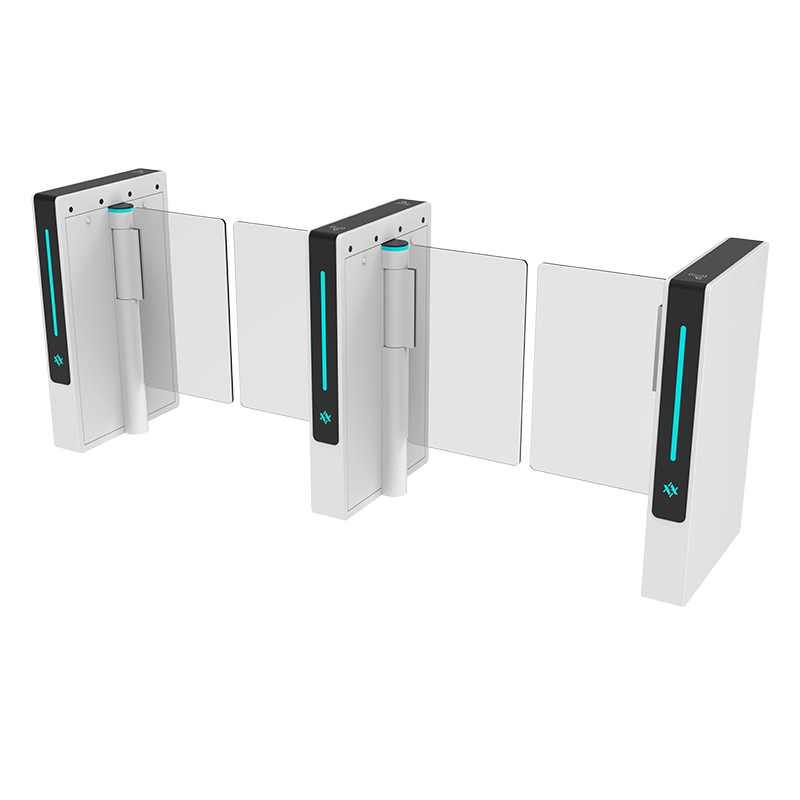
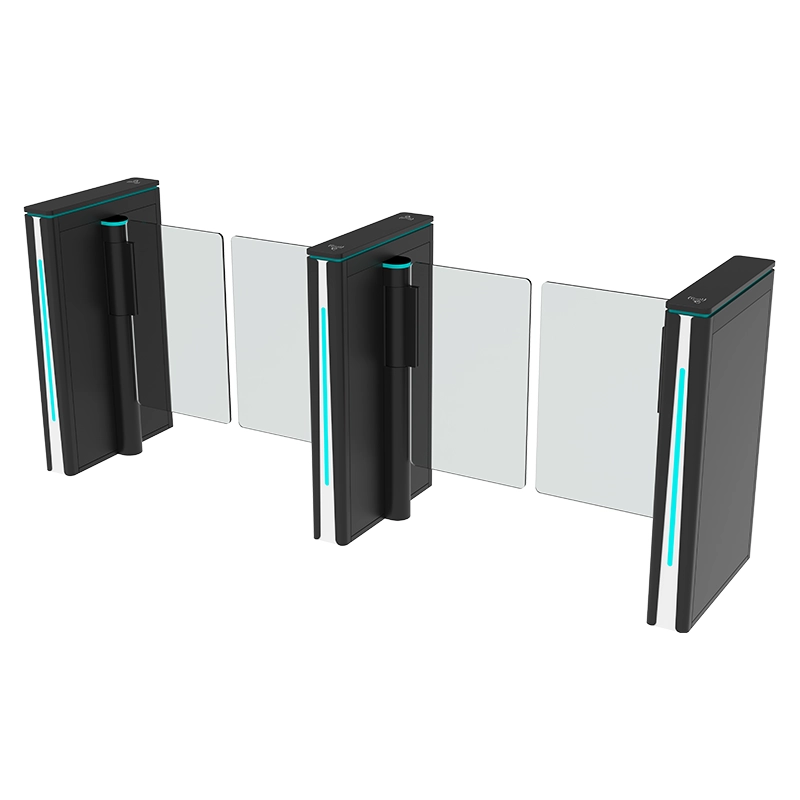
| Main lobby | Flap barrier or speed gate | Throughput, aesthetics, accessible lane |
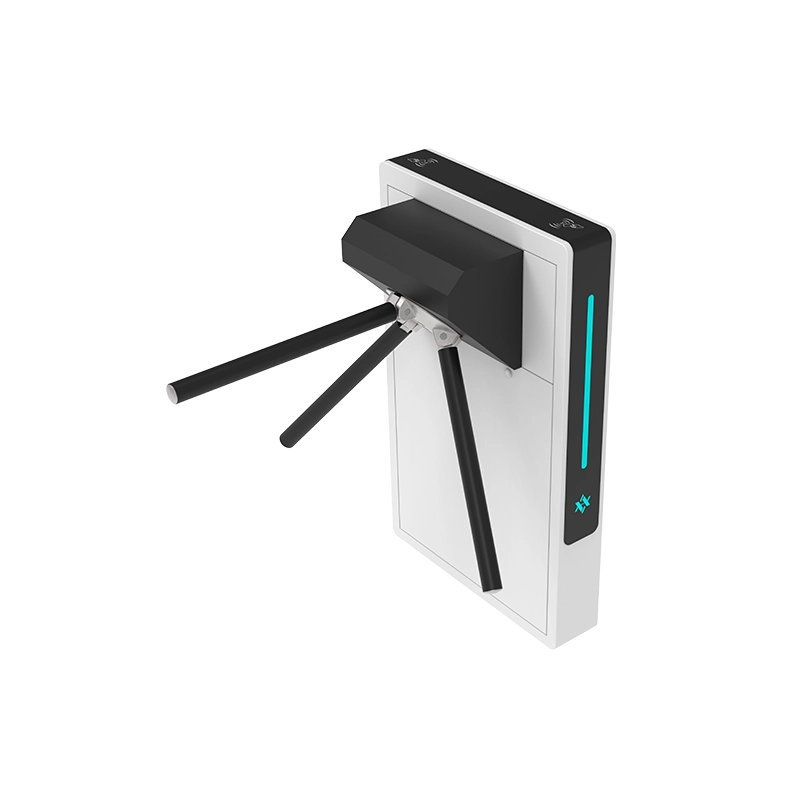
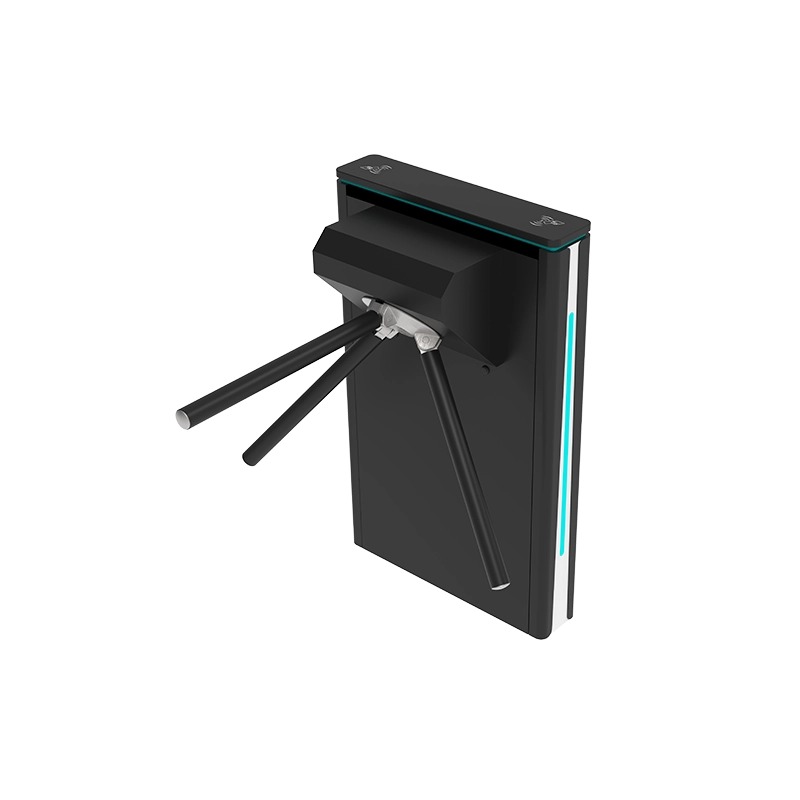
| Staff / service door | Tripod turnstile | Low traffic, low cost, credentialing only |
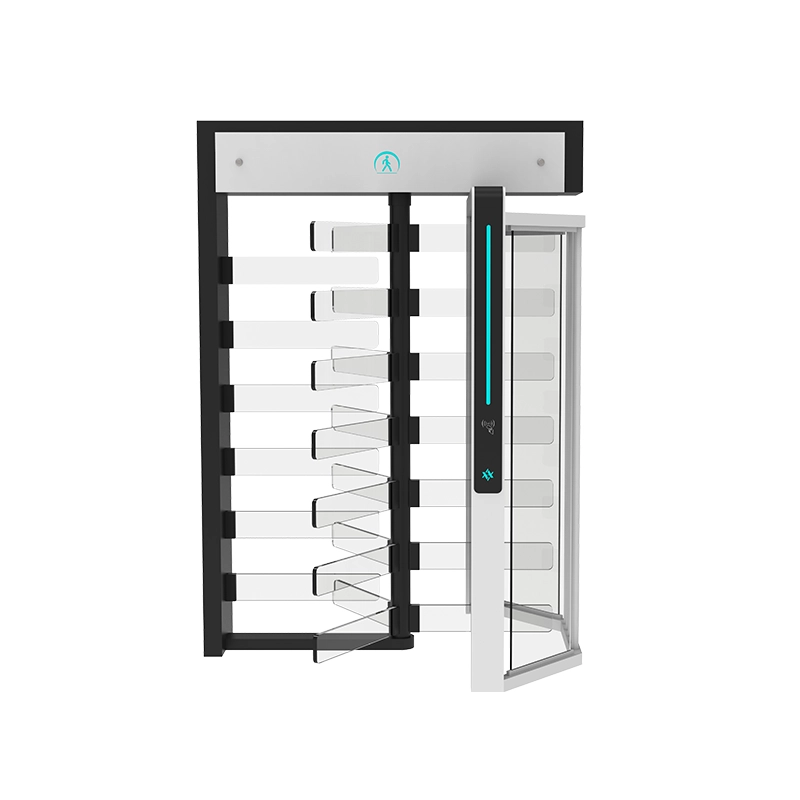
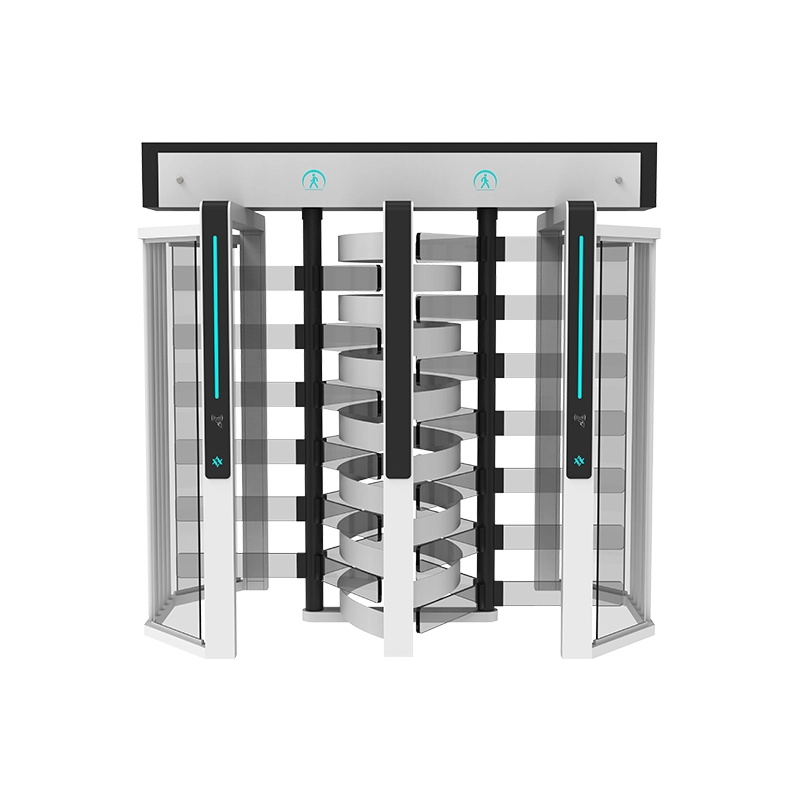
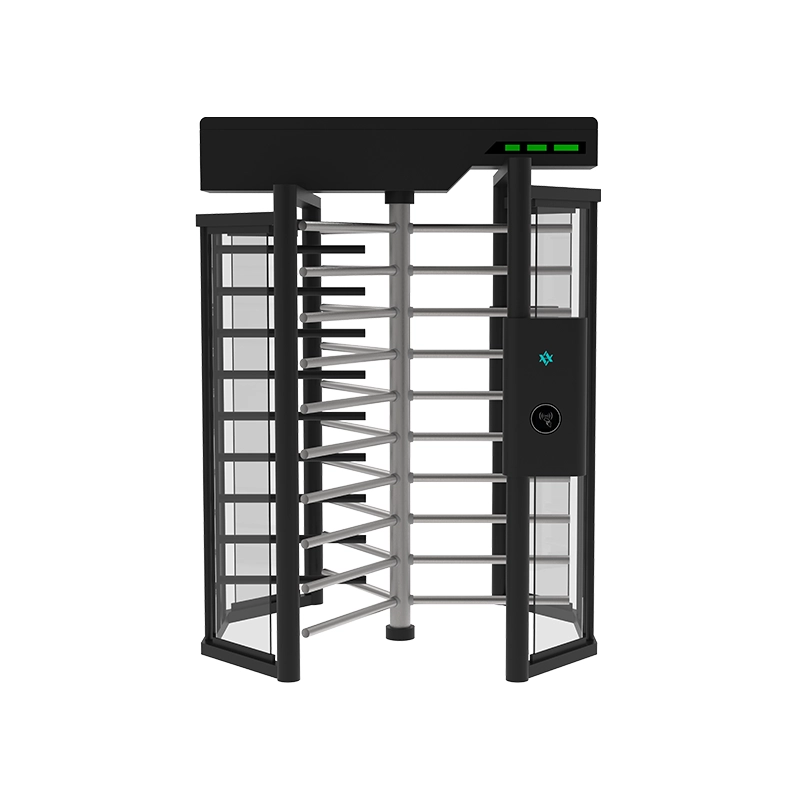
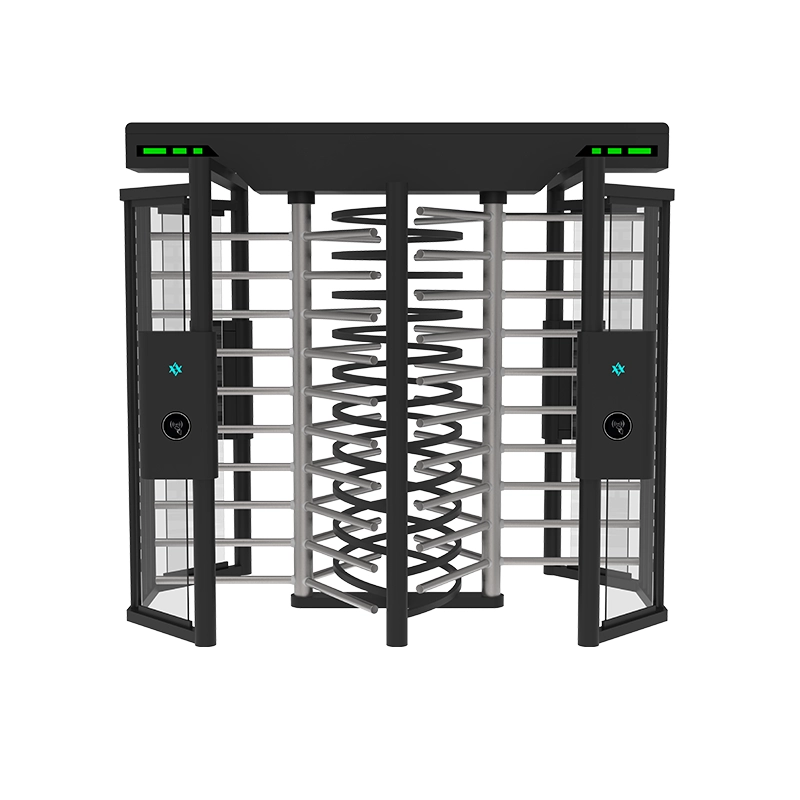
| Perimeter gate | Full height turnstile | Physical containment |
| Accessible entrance | Swing turnstile | Wide clear opening |
In a mixed installation the integration principle is the same everywhere: one panel holds the policy, every gate receives a dry-contact release and returns a passage event, and the fail mode is set per lane according to its fire strategy. Our guide to full height turnstile integration and the speed gate access control guide cover the variations for those gate families, and the access control product range lists the readers and controllers we supply alongside the gates.
Signal and Cable Schedule
Agreeing a cable schedule before the cable is pulled saves more commissioning time than any other single step. This is the version we use as a starting point, and it changes only in detail between gate types:
| Run | From → To | Cable | Notes |
|---|---|---|---|
| Reader power | Panel or gate PSU → reader | 2-core, sized for the reader’s draw | Confirm whether the panel or the gate supplies power — and only one of them |
| Credential data (short) | Reader → panel | Wiegand: 6-core shielded | Keep under about 30 m; convert to RS-485 beyond that |
| Credential data (long) | Reader → panel | RS-485 or OSDP: twisted pair, shielded | Terminate both ends; unique address per reader |
| Release (entry) | Panel relay → gate input | 2-core shielded | Clean dry contact only |
| Release (exit) | Panel relay → gate input | 2-core shielded | Separate input, not a shared one |
| Passage feedback | Gate output → panel input | 2-core shielded | Required for interlocking and accurate audit trails |
| Alarm / tamper | Gate output → panel input | 2-core shielded | Route to a monitored input if the site is manned |
| Fire release | Fire panel relay → gate input | 2-core, monitored per fire code | Wiring logic must match the site’s fire strategy |
| Network (optional) | Gate → switch | Cat 5e/6 | For remote diagnostics and event streaming |
Two rules apply to the whole schedule: signal cables never share a conduit with power, and every shielded cable is earthed at one end only. Violating either produces faults that appear and disappear in ways that waste days.
Fault-Finding on the Interface
When a barrier misbehaves, the fastest way to localise the fault is to work backwards from the gate to the credential:
| Symptom at the gate | Where the fault usually is | How to confirm |
|---|---|---|
| No indication at all, gate dead | Gate power | Measure at the gate control board under load |
| Reader LED/buzzer responds, gate does not release | Release wiring, pulse length, or common ground | Meter across the gate input while presenting a card |
| No reader response at all | Reader power, reader fault, or credential format mismatch | Test with a known-good credential from a different batch |
| Gate opens without any credential | Induced noise on the signal pair, or a floating input | Disconnect the input and watch; inspect the cable route |
| One card, two passages | Release pulse too long, or passage confirmation not used | Time the pulse with a meter |
| Two people, no alarm | Anti-tailgating disabled or desensitised | Read the configuration out of the controller |
| Passages logged in the wrong order | Clock drift between gate and panel | Compare timestamps; enable NTP on both |
| Gate will not release on fire signal | Fire relay logic or wiring | Test the loop end to end — not just the relay |
Eight rows cover most field calls. The habit worth building is measuring at the gate terminal rather than at the panel: it tells you immediately whether the problem is upstream (the panel never sent the pulse) or downstream (the pulse arrived and the gate ignored it).
Frequently Asked Questions
Can a flap barrier work with my existing access control system?
Almost certainly yes, if it accepts a dry-contact input — which nearly every barrier does. The critical questions are whether your panel provides a clean isolated relay contact, whether it supplies the reader power or the barrier does, and which credential format the readers output. Get those three answers and the interface is straightforward.
Do I need special cable?
Shielded twisted pair for signal runs, earthed at one end. Separate conduit from power. For reader runs beyond roughly 30 m use RS-485 or OSDP rather than Wiegand. These three rules prevent most intermittent faults.
How do I make the gate open only once per card?
Passage-confirmed logic rather than a timer: the gate opens, waits for its sensor array to register exactly one crossing, then closes and resets. Combined with a short release pulse this is the standard anti-tailgating configuration.
Can I control the barriers remotely?
Yes, where the barrier has a network interface or is integrated through a controller with an API. Typical remote functions are lane open/close, direction changes, mode changes for events, and reading the event log. Decide whether you want remote firmware updates as well — it saves site visits on multi-lane installations.
What happens during a power cut?
It depends on the fail configuration and whether battery backup is fitted. Fail-open releases the lane; fail-locked holds it; a UPS keeps normal operation running through short outages. State the requirement in the tender, because it is a wiring decision, not a software setting you can change later without rewiring.
How long does commissioning take?
For a single lane with readers already wired, a competent integrator should complete configuration and the twelve-test checklist within a couple of hours. A six-lane bank with a new controller takes a day. The variable is not the gate — it is how well the access control side has been prepared.
Should the reader be powered by the panel or by the gate?
Only one of them. Reader power drawn from two sources is a common cause of abnormal behaviour and can damage the reader. The usual arrangement is panel power for readers wired to the panel, and gate power only for readers mounted on and wired through the cabinet. Confirm this in the cable schedule before anything is pulled.
What does OSDP change in practice?
It moves the reader-to-controller link to an encrypted, bidirectional channel and gives you remote reader configuration and diagnostics. For most commercial offices the practical benefit is monitoring — you can see a failing reader before users complain. Public sector and financial projects increasingly require it, so check the client’s standard before offering a Wiegand alternative.
Can two lanes share one controller?
Yes, if the controller has the outputs and inputs for each lane. Sharing a controller reduces cost and centralises the configuration, and it makes interlocking between two lanes straightforward. The constraint is cable distance and input count, not the gate.
How do I make sure the audit trail is usable?
Three things: passage confirmation from the gate rather than a timer, time synchronisation across gate and panel, and a documented mapping between lane, terminal and database column. Get those right at commissioning and the log becomes evidence; get them wrong and it becomes a list of timestamps nobody trusts.
What if the client’s platform cannot do what they have promised?
This is worth testing before the gates are ordered. Ask the access control vendor to demonstrate the exact sequence — credential read, policy decision, relay closure, gate open, passage confirmed, event stored — on a bench, with their panel. Interface gaps discovered on a bench cost an afternoon; discovered on site they cost a week and a change order.
Working With Us
AIPADA manufactures flap barriers and the full range of pedestrian access gates, and supplies them to systems integrators and contractors who then integrate the gates into their own access control platforms. We provide wiring diagrams, terminal definitions, signal specifications and configuration parameters with every order, and our engineers will review your interface design before shipment if you send the panel make and model. Every gate ships CE-certified with a two-year warranty, MOQ of one unit, and a standard lead time of 7–15 days; typical terms are 30% T/T with the balance against the bill of lading.
Browse the flap barrier turnstile catalogue or the access control range, and see the visitor access control system guide for how the software layer usually fits around the hardware.