](https://aipadaturnstile.com/wp-content/uploads/2026/03/How-Do-Job-Site-Turnstiles-Plus-Software-Equal-Effective-Access-Control.jpg "How Do Job Site Turnstiles Plus Software Equal Effective Access Control")

The construction industry faces big challenges. Managing who comes and goes on a job site is hard. We need a system that is both secure and efficient. My company, aipada, has found a solution.
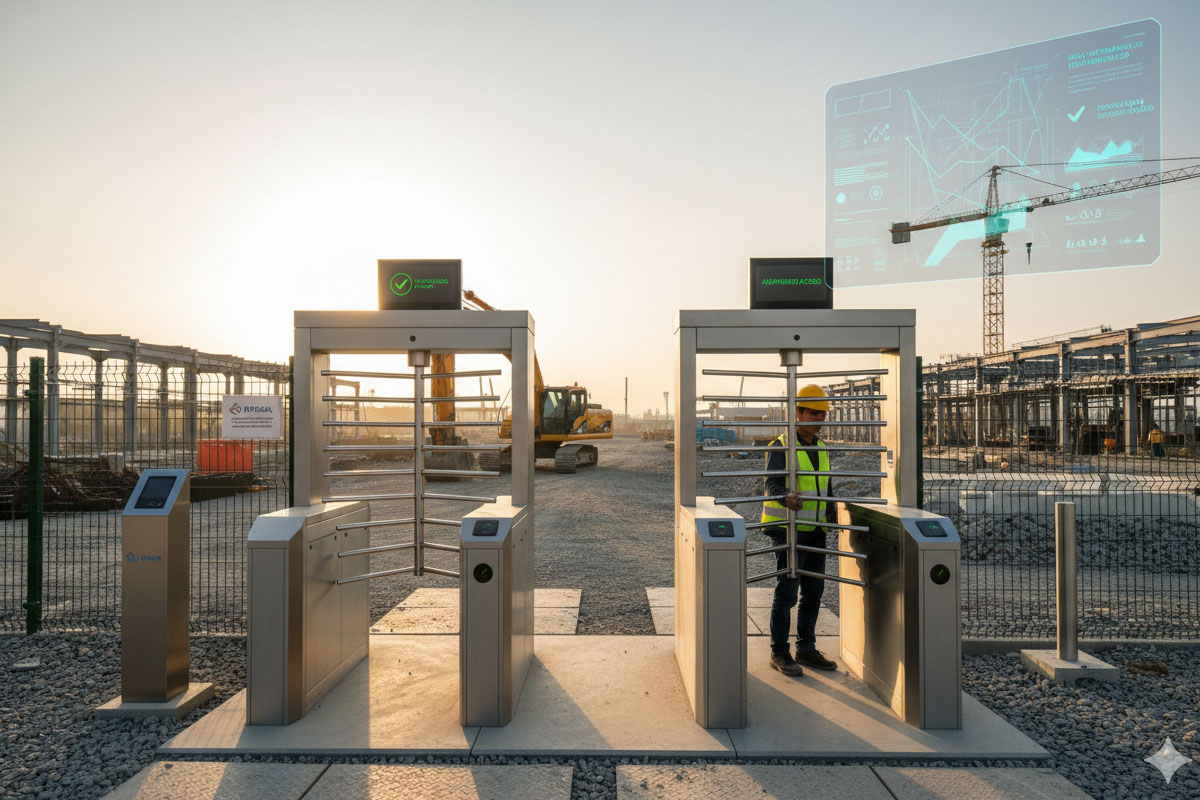
Job site turnstiles, when paired with smart software, create a powerful access control system. This combination boosts security, improves site management, and makes operations smoother. It ensures only authorized people can enter, tracks their time, and keeps a clear record of all activities.
This article will show you how these systems work together. We will explore the different types of access control. You will learn why turnstiles are still important. I will also share how our technology at aipada helps make job sites safer and more efficient.
What is the role of turnstiles in access control?
Security on a job site is critical. Without it, unauthorized people can enter. This can lead to theft, accidents, or even legal issues. How can we stop this?
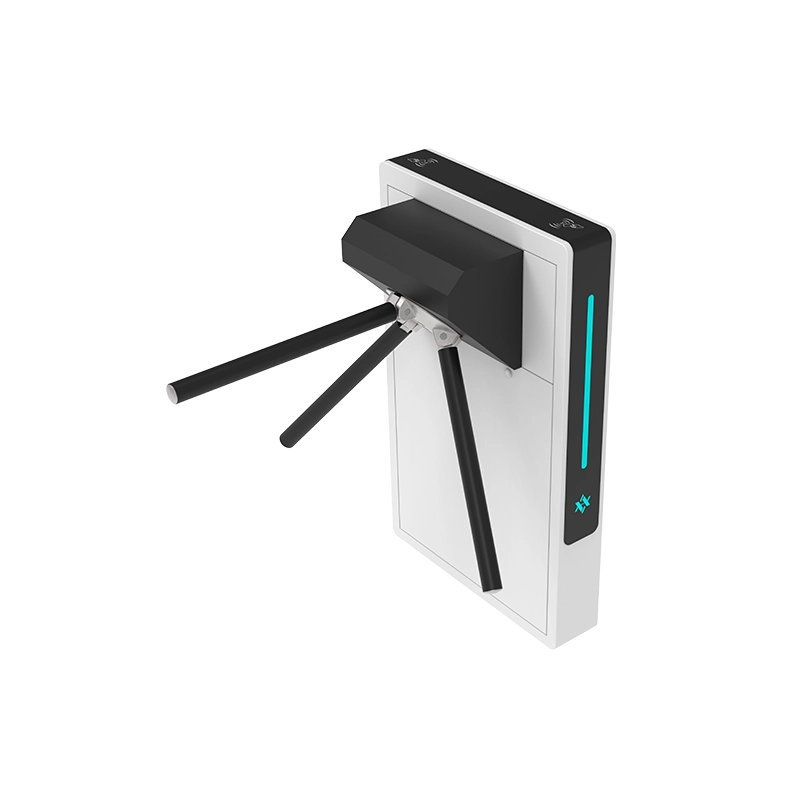
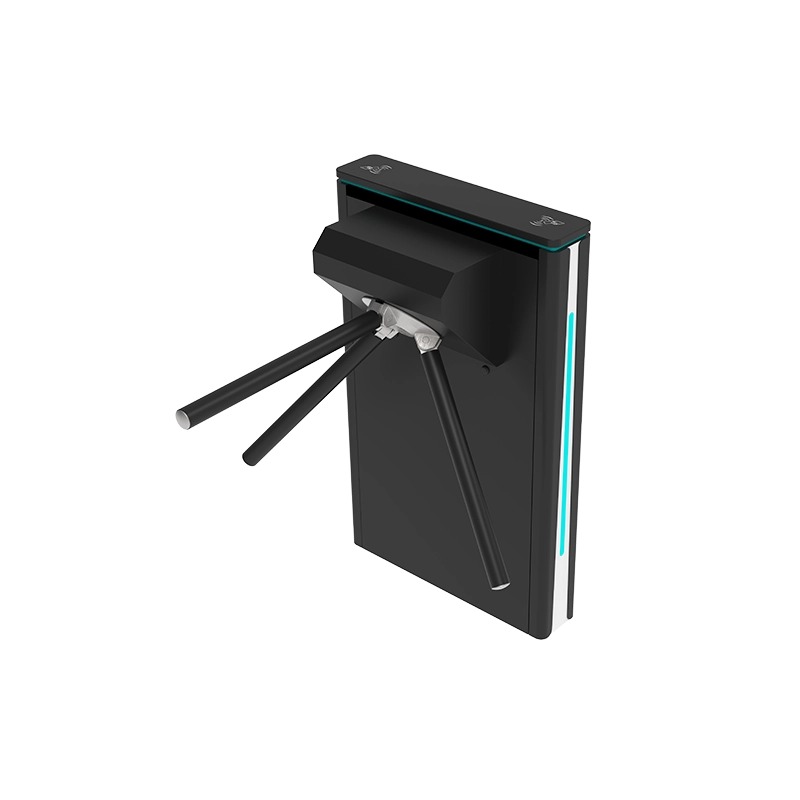
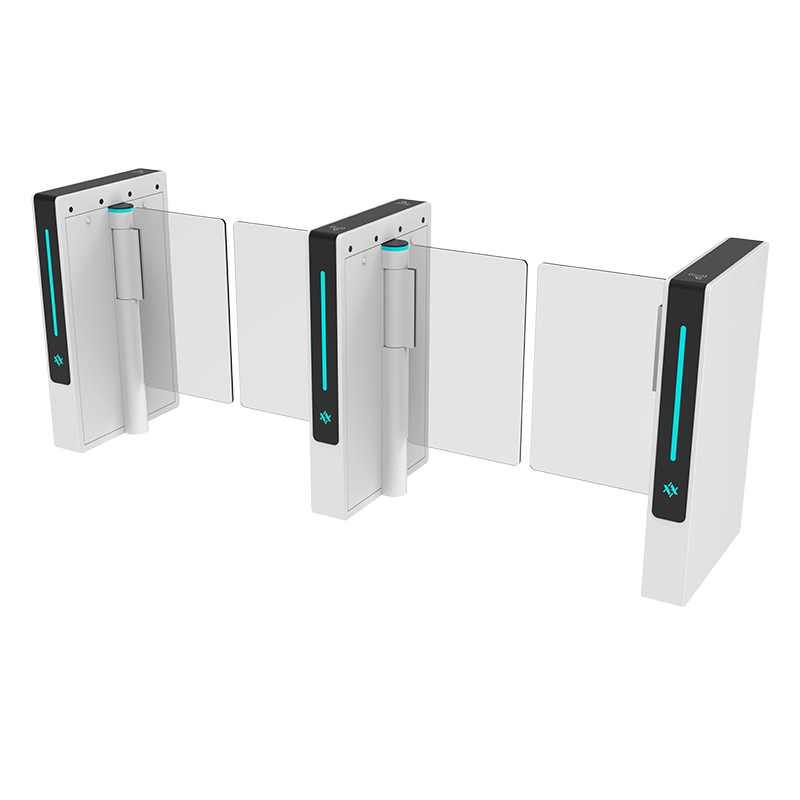
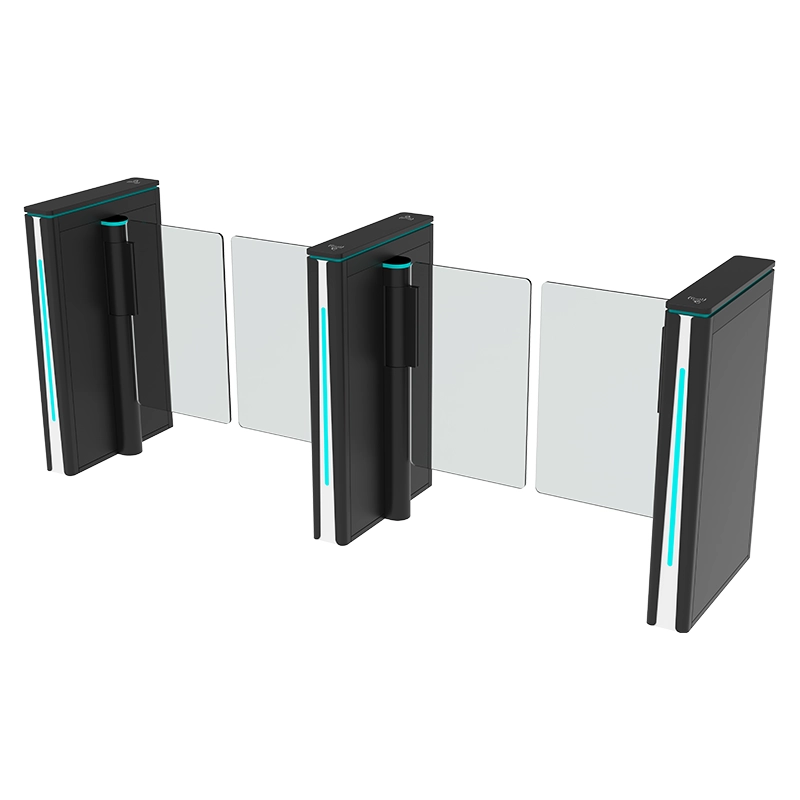
Turnstiles play a key role in physical access control[^1]. They create a physical barrier. This barrier controls the flow of people at entry and exit points. When integrated with software, they only allow entry to those with proper credentials. This makes the site much safer.
At aipada, we see turnstiles as more than just gates. They are the first line of defense. Imagine a busy construction site. Many workers come and go each day. Without turnstiles, a guard might check IDs manually. This is slow and prone to errors. A turnstile system automates this. It ensures every person entering has been approved. This saves time and increases security.
How Turnstiles Act as a Physical Barrier
Turnstiles are built to manage human traffic. They force people to pass through one at a time. This controlled entry is very important for security.
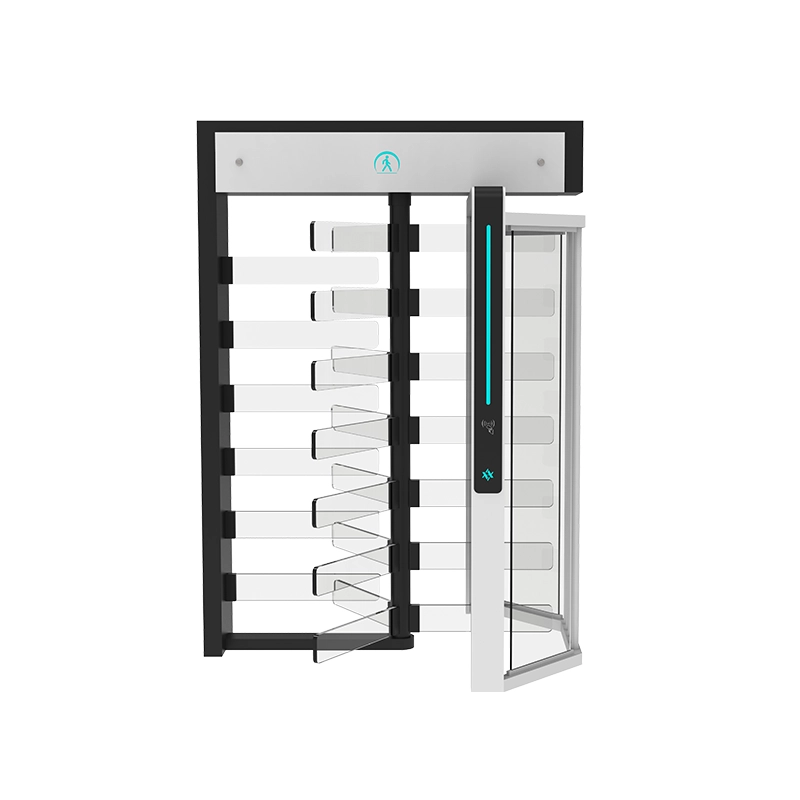
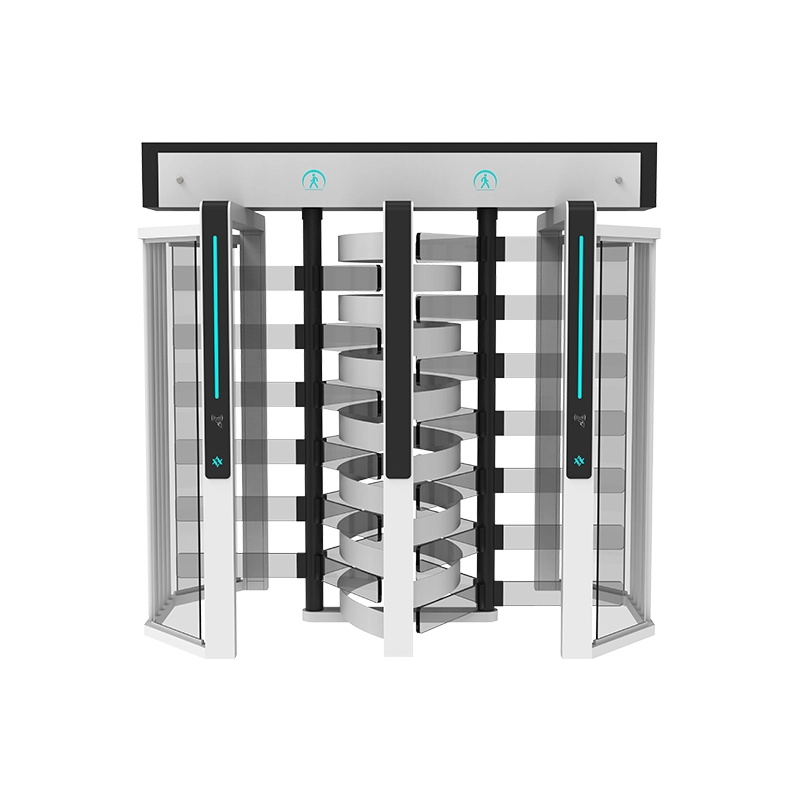
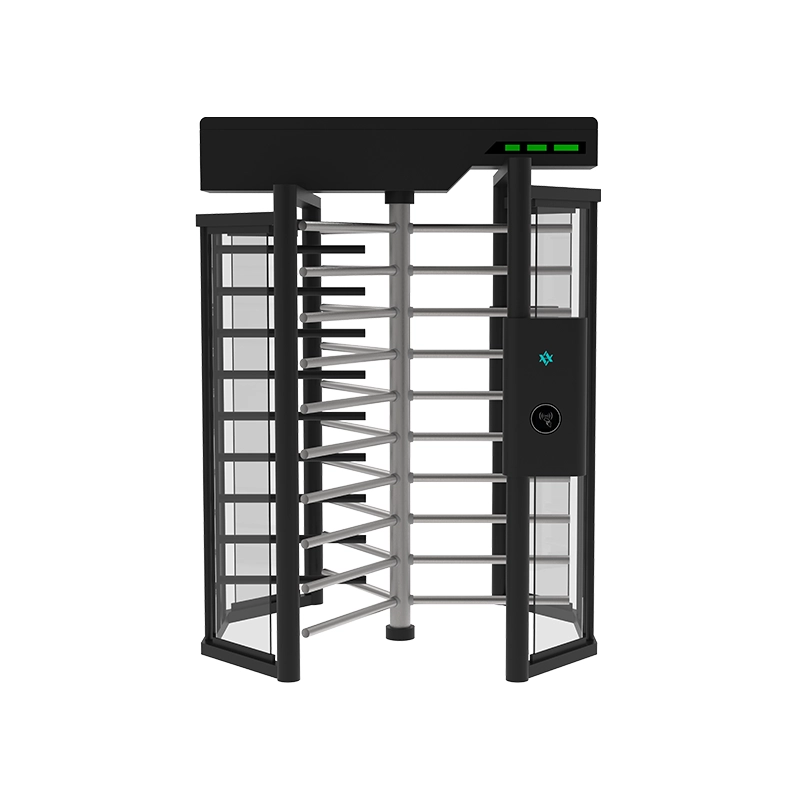
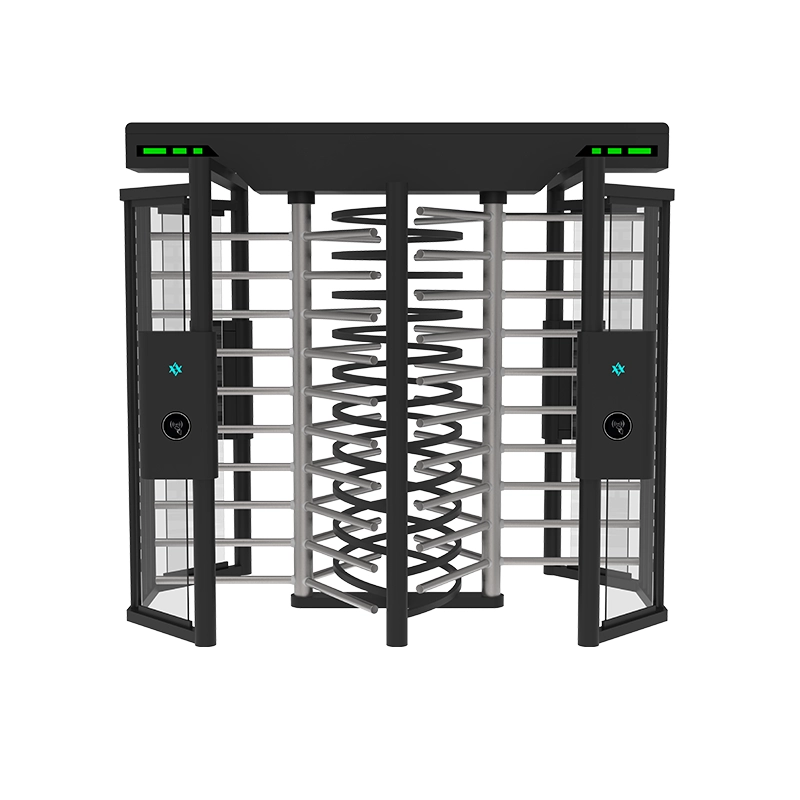
Imagine a full-height turnstile[^2].
It is tall and covers the whole entry space. Nobody can sneak over or under it. This makes it ideal for places needing high security, like data centers or military bases. On a job site, a full-height turnstile can prevent unauthorized entry even when no guard is present. It creates a robust physical barrier that is hard to bypass.
Integration with Access Control Products
Turnstiles become truly smart when connected to other systems. Our aipada turnstiles are designed for this. They work with many different access control products.
Here are some ways they integrate:
| Integration Type | Description | Benefits for Job Sites |
|---|---|---|
| Face Recognition | Scans a person’s face for identification. | Fast, contactless entry; prevents buddy punching. |
| RFID/IC Cards | Uses badges or cards that workers tap to gain entry. | Simple, widely used; easy to issue and revoke. |
| Biometrics | Fingerprint or vein scanners identify individuals. | High security; proof of identity. |
| QR Code/Barcode | Workers scan a code on their phone or paper. | Flexible for visitors or temporary staff; quick to generate. |
This integration means the turnstile is not just a gate. It is a data collection point. Every entry and exit is recorded. This data is vital for managing attendance, tracking hours, and ensuring compliance. For example, if a visitor needs to access the site, a temporary QR code can be issued. Once scanned at the turnstile, access is granted. The system records their entry and exit times. This makes visitor management simple and secure.
Enhancing Safety and Compliance
Safety is a top concern on any job site. Turnstiles help here too. In an emergency, like a fire, our turnstiles can open automatically. This ensures a fast evacuation. This feature meets fire safety requirements. It gives peace of mind to site managers.
Also, by tracking who is on site, we can quickly account for everyone in an emergency. This saves lives. My company makes sure our turnstiles meet these critical safety standards. They are reliable even in tough conditions.
What are the 4 types of access control?
Controlling access is not just about gates. It involves different strategies. Each strategy has its own purpose. Knowing these types helps us build better security systems. What are these four types?
Access control can be broadly categorized into four main types: Discretionary Access Control (DAC), Mandatory Access Control (MAC), Role-Based Access Control (RBAC), and Attribute-Based Access Control (ABAC). Each type offers a different level of flexibility and security enforcement, suited for various organizational needs.
Let me explain each type in more detail. When I first started aipada, I quickly learned that one size does not fit all. Different clients have different needs. Understanding these four types helps us tailor the best solution.
1. Discretionary Access Control (DAC)
DAC is the most flexible type. It lets the owner of a resource decide who can access it. For example, I might have a document on my computer. I can choose to share it with my team or keep it private. I "discretionally" grant access.
On a job site, this might mean a site manager gives specific workers access to a certain area. They have the "discretion" to do so.
- Pros: Very flexible, easy to manage for small teams.
- Cons: Can be less secure if owners are not careful with permissions. It might not be suitable for large, complex sites where many people need different levels of access.
- Use Case: Small project teams, personal data.
2. Mandatory Access Control (MAC)
MAC is very strict. It is often used in high-security environments, like government or military. Here, the system itself enforces access rules. Owners cannot change these rules. Every piece of data and every user has a "sensitivity label." Access is only granted if the user’s label matches the resource’s label.
For instance, a secret document can only be opened by someone with "secret" clearance. This is decided by the system, not the document owner.
- Pros: Very high security, strong data integrity.
- Cons: Complex to set up and manage, less flexible.
- Use Case: Government, military, highly sensitive data centers.
3. Role-Based Access Control (RBAC)
RBAC is widely used in businesses. It assigns permissions based on a user’s role in the organization. For example, all engineers might have access to certain design software. All accounting staff might have access to financial tools. Their access is tied to their job role.
On a job site, a "project manager" role would have different access than a "general laborer" role. My office access control system often uses RBAC.
| Role | Example Access Permissions |
|---|---|
| Project Manager | All site areas, management office, equipment shed. |
| General Laborer | Main work areas, break room, tool storage. |
| Electrician | Electrical rooms, specific work zones, tool storage. |
| Visitor | Reception area, meeting rooms (with escort). |
| HR Staff | Administrative offices, HR database, main entrance. |
This method simplifies management. You do not need to assign permissions to each person. You just assign them a role. If a person changes roles, their permissions update automatically. This is very efficient for large organizations.
4. Attribute-Based Access Control (ABAC)
ABAC is the most dynamic type. It grants access based on a combination of attributes. These attributes can be about the user (e.g., their department, security clearance), the resource (e.g., its sensitivity, file type), or the environment (e.g., time of day, location).
For example, a construction worker might only access a specific building between 7 AM and 5 PM on weekdays. If it is Saturday or after hours, even if they have the right badge, access is denied. This adds a layer of intelligence to access decisions.
- Pros: Highly granular control, very flexible, adapts to changing conditions.
- Cons: Very complex to design and implement, requires advanced systems.
- Use Case: Cloud environments, complex security policies, data governance.
Are turnstiles still used?
Some people might think turnstiles are old technology. With all the new biometric systems, are they still needed? The answer is a clear yes. Why do I say this?
Absolutely, turnstiles are still widely used and are more advanced than ever. They offer reliable physical security and crowd control. Modern turnstiles integrate seamlessly with digital access control systems, facial recognition, and smart software. This makes them essential tools for efficient and secure entry management in many environments.
When I visit clients, I often get asked this. My response is always to highlight their unique benefits. They provide a physical barrier that software alone cannot. A facial recognition system can identify a person, but it cannot physically stop an unauthorized person. A turnstile can.
The Enduring Need for Physical Barriers
Digital security is crucial. But it has limits. A computer system can be hacked. An ID card can be stolen. But a physical barrier like a turnstile provides a last line of defense. It forces people to follow the rules of entry.
Imagine a situation where a digital system fails. A turnstile will still prevent mass unauthorized entry. It buys time. This allows security personnel to respond. This combination of physical and digital is what makes a strong system.
Evolution of Turnstile Technology
Modern turnstiles are not the simple mechanical gates of the past. They have evolved.
Here’s how:
- Brushless Motors: My company, aipada, uses advanced brushless motors. These make our turnstiles run smoothly and quietly. They also last much longer. This means less maintenance and more reliable operation on busy job sites.
- Advanced Sensors: Our turnstiles have multiple infrared sensors. These prevent people from being trapped or squeezed. If someone tries to tailgate, the sensors detect it and prevent the gate from closing. This increases safety and prevents unauthorized entry.
- Sleek Design: Turnstiles are no longer just functional. They are also aesthetically pleasing. We offer customization in design, color, and material. This means they can match the architectural style of any modern building, from a high-end office to a public transit hub. They enhance the overall look and feel of an entrance.
- Networked Systems: Each turnstile can be part of a larger network. They report data in real-time. This includes entry times, exit times, and any access denials. This data feeds into the overall access control software. It gives managers a full picture of site activity.
Versatility Across Industries
Turnstiles are not just for job sites. They are used everywhere:
- Corporate Offices: For secure employee entry and visitor management. They add a professional touch to the lobby.
- Public Transit: Metro stations, bus terminals, airports use them to manage large crowds efficiently.
- Theme Parks & Stadiums: They control ticketed entry, preventing fraud and managing queues.
- Factories & Warehouses: To track employee attendance and secure restricted areas.
This wide range of uses shows their adaptability. My company provides solutions for all these sectors. We understand that each industry has specific demands. Our turnstiles are built to meet these diverse needs.
What are the 7 main categories of access control?
Access control is a big topic. We talked about the four types earlier. Now, let us look at the seven categories of access control. These categories help us think about how to secure different parts of an operation. What are they?
The 7 main categories of access control usually refer to different methods or components used to enforce access rules. These include physical, logical, administrative, authentication, authorization, accountability, and auditing. Together, these categories form a comprehensive framework for managing who can access what, when, and how.
When I help clients design a security system, I think about these seven categories. It is not enough to just put a turnstile at the door. We need a holistic approach. It is like building a house; you need a strong foundation, walls, a roof, and all the internal systems.
1. Physical Access Control
This category deals with restricting access to physical locations. This is where our aipada turnstiles come in.
Other examples include:
- Doors and Locks: Basic security for rooms and buildings.
- Gates and Barriers: For vehicle entry and larger perimeters.
- Security Guards: Human presence to monitor and enforce rules.
- CCTV Cameras: To observe and record activity.
On a job site, physical access control is paramount. We need to prevent intruders. We also need to keep workers safe from hazards. A strong physical barrier is the first step.
2. Logical Access Control
This category focuses on controlling access to computer systems, networks, and data. It is all about digital security.
Examples include:
- Passwords and PINs: User authentication for digital accounts.
- Firewalls: To protect networks from unauthorized access.
- Encryption: To secure data so only authorized users can read it.
- Antivirus Software: To protect systems from malicious software.
Our turnstile software often links with logical access control. For example, employee data stored in the access control system is protected by passwords and encryption. This ensures data privacy.
3. Administrative Access Control
This category involves the policies, procedures, and guidelines that govern security. It is about the "rules" of security.
Examples include:
- Security Policies: Documents that outline how security should be managed.
- Training: Teaching employees about security best practices.
- Background Checks: Screening individuals before granting access.
- Incident Response Plans: How to react if a security breach happens.
On a job site, administrative controls dictate who gets an access card, how long it is valid, and what to do if a card is lost. My company helps clients set up these administrative policies to complement our hardware.
4. Authentication
This is the process of verifying a user’s identity. It answers the question: "Are you who you say you are?"
Methods include:
- Something you know: Passwords, PINs.
- Something you have: Smart cards, tokens, key fobs.
- Something you are: Biometrics (fingerprints, facial recognition).
Our turnstiles use multiple authentication methods. A worker might use an RFID card (something you have) or scan their face (something you are) to gain entry. This multi-factor approach makes it very secure.
5. Authorization
This is the process of determining what an authenticated user is allowed to do. It answers the question: "What are you allowed to access?"
This is where the roles (RBAC) or attributes (ABAC) come into play. Once authenticated, the system checks your permissions. A general laborer might be authorized to enter the main work zone but not the equipment storage area.
6. Accountability
This category ensures that actions taken by users can be traced back to them. It answers the question: "Who did what?"
This involves logging and auditing. Every entry, exit, or attempted access is recorded. This creates an audit trail. If something goes wrong, we can look at the logs to find out who was involved.
My office access control system provides detailed logs. This is crucial for security investigations and compliance reporting.
7. Auditing
This is the regular review of security logs and policies to ensure compliance and identify vulnerabilities. It is about checking if the system is working as intended.
Audits help us:
- Find security gaps: Are there weaknesses in our system?
- Ensure compliance: Are we following all security rules and regulations?
- Review effectiveness: Is our security system actually working?
Regular audits of turnstile logs can show patterns of attempted unauthorized access. This helps us improve our security measures over time.
My Insights: How Do Job Site Turnstiles Plus Software Equal Effective Access Control?
Struggling to maintain secure job site access with efficiency? Learn how combining turnstiles with software enhances security and streamlines entry management.
Job site turnstiles paired with software create an effective access control system by providing a physical barrier combined with digital identity checks. This setup verifies credentials in real time, ensuring only authorized personnel enter, while automatically logging all entries and exits.
Enhancing Security with Integrated Systems
How the System Works
- Credential Verification: Workers scan badges or use biometrics at turnstiles, triggering software to verify their authorization.
- Real-Time Checks: The system confirms access permissions and logs activity for compliance.
Key Benefits
| Benefits | Description |
|---|---|
| Security | Blocks unauthorized entry by requiring verified credentials |
| Compliance | Ensures certifications and site rules are met before granting access |
| Efficiency | Reduces manual checks and speeds up access |
| Reporting | Provides detailed records for attendance and payroll |
Practical Implementation
- Streamlined Access: Reduces bottlenecks and errors compared to manual processes.
- Enhanced Accountability: Each entry tied to a verified identity improves worker tracking.
- Customized Alerts: Notifications for unauthorized attempts enhance response times.
By integrating turnstiles with software, job sites achieve robust security, efficient management, and comprehensive compliance tracking.
Conclusion
Effective access control on job sites is a blend of physical barriers and smart software. Turnstiles, like those from aipada, provide the necessary physical control. When integrated with advanced software, they create a powerful, secure, and efficient system. Understanding the different types and categories of access control helps us build these robust solutions.