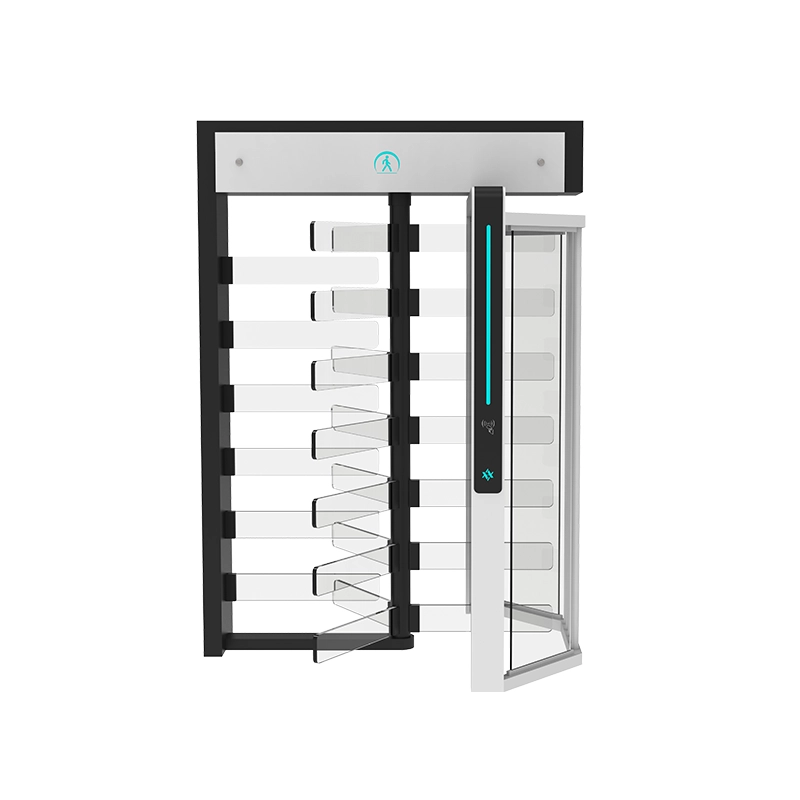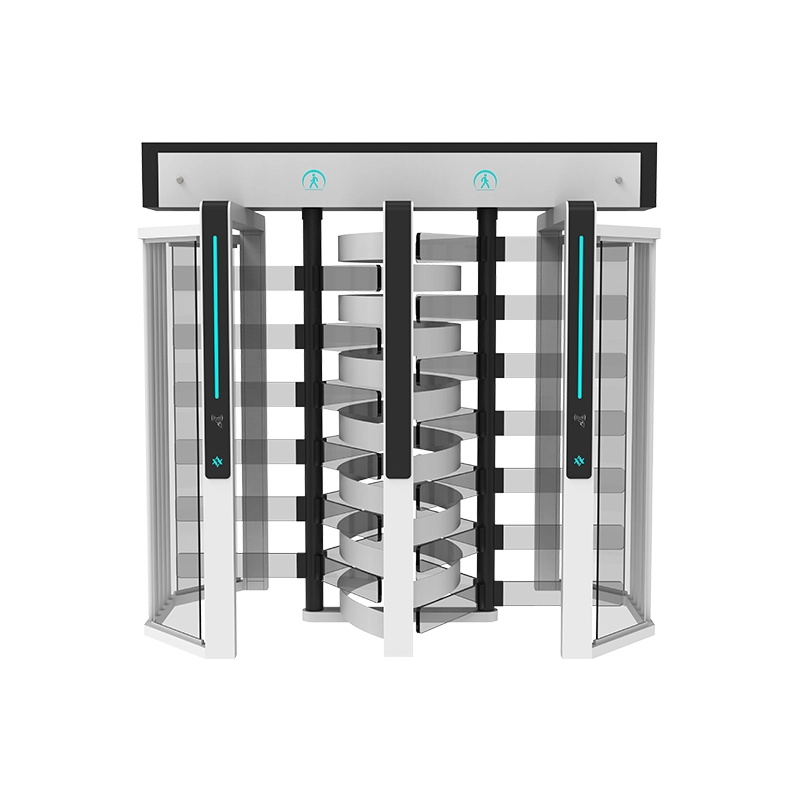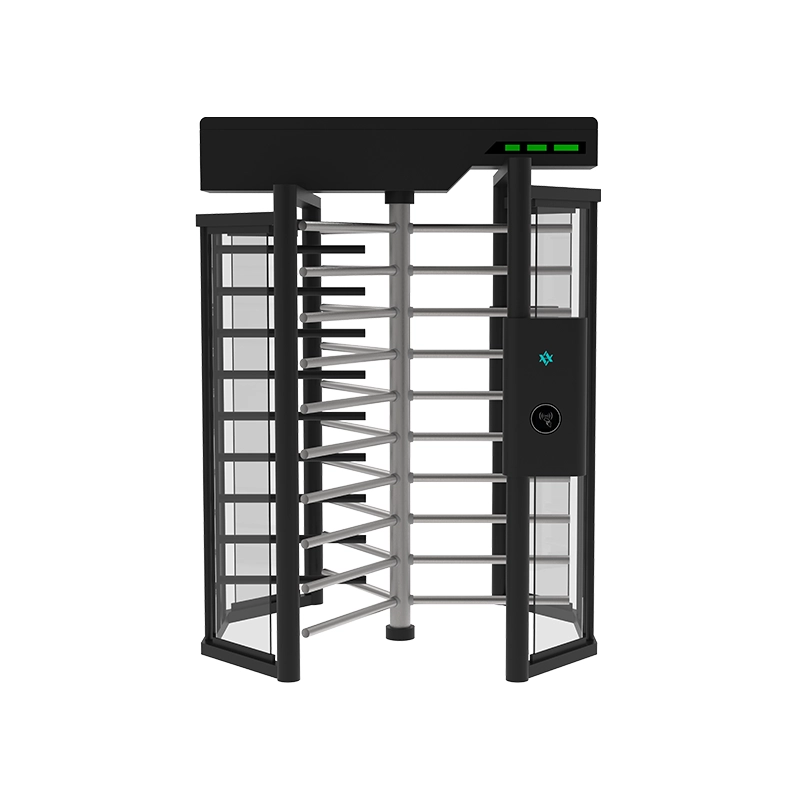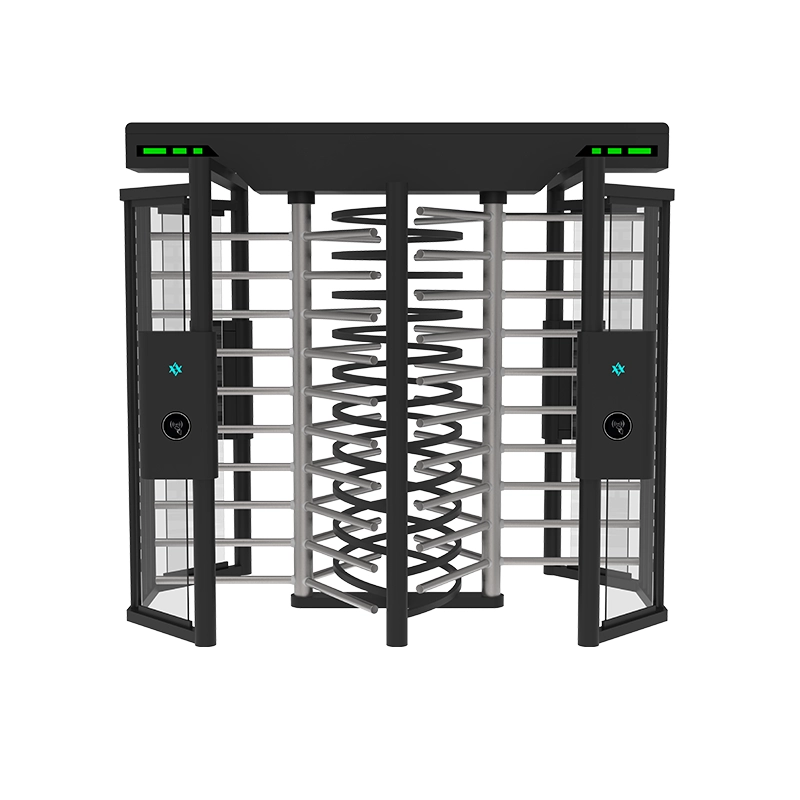

An access control swing gate does not decide who may enter simply because a card, QR code or face is presented near its cabinet. Several devices must exchange the correct information in the correct order before the barrier opens, monitors passage and closes safely.
This article follows one access request from the moment a credential reaches the reader. It does not cover visitor registration, host approval or credential issuance; those earlier steps are explained in the visitor access control turnstile selection guide. Here, the journey begins at the physical entrance.
Quick answer: The reader captures a credential, the access controller makes or receives the authorization decision, and an output signal requests the swing gate to open. The gate control board then manages the motor, barrier and passage sensors before returning to its controlled state.
Where the Access System Ends and the Swing Gate Begins
A common integration mistake is treating the reader, controller and turnstile as one device. They may be installed in the same cabinet, but they perform different functions.
- Credential: Identifies or represents the person requesting access.
- Reader or biometric terminal: Captures the credential or biometric result.
- Access controller: Applies the permission rules or receives an approved result.
- Swing gate control board: Operates the barrier and monitors the gate’s internal state.
- Passage sensors: Detect movement, occupancy and abnormal direction within the lane.
- Management platform: Stores access events, alarms and device status where supported.
Some terminals combine reading and authorization in one unit. Others send credential data to a separate access controller. The gate may therefore receive only a simple opening request rather than the person’s card number, name or biometric information.
This boundary matters when troubleshooting. If a valid card is rejected, the problem may occur before the gate receives any command. If the controller approves access but the barrier does not move, the fault may be in the output wiring, gate input, configuration or gate mechanism.

A swing gate access control signal passes through several decision and control stages before the barrier opens and closes.
Stage 1: The Credential Reaches the Reader
The sequence begins when a person presents an RFID card, mobile credential, QR code, fingerprint or face to a compatible reader or terminal.
RFID card operation
In an RFID swing turnstile, the reader energizes and communicates with a compatible card or tag. The reader extracts the credential information required by the access system and passes it to the controller or performs a locally configured validation.
The card technology, reader frequency and data format must be compatible. A cabinet cut-out that physically fits the reader does not prove that the complete swing gate RFID system will communicate correctly.
QR code operation
A QR terminal captures the code using an optical scanner or camera. Depending on the system design, the terminal may validate the code locally or send its data to a server or controller.
Scanner angle, code size, phone brightness, glare and network response can affect the result. Test the installed reader with the actual phones and printed codes expected at the site.
Biometric operation
A biometric swing gate normally relies on a facial, fingerprint or other biometric terminal mounted on or beside the cabinet. The biometric terminal performs the identity comparison or communicates with its management platform.
The turnstile itself generally does not need to store biometric templates. It needs a correctly configured authorization signal and, where required, status communication with the connected system.
Stage 2: The Access Controller Makes the Decision
After receiving credential information, the access-control side evaluates the request. The exact rules depend on the project, but may include:
- whether the credential is active;
- whether it is authorized for that entrance;
- whether it is valid at the current date and time;
- whether the requested traffic direction is permitted;
- whether anti-passback or occupancy rules apply;
- whether the system is online or operating under an offline rule;
- whether the entrance is in normal, locked, free-passage or emergency mode.
A denied request should not produce the normal gate-opening input. Instead, the reader or terminal may display a red indicator, sound a rejection tone or record the denied event.
An approved request moves the sequence to the next boundary: the connection between the access controller and the swing gate.
Stage 3: The Controller Sends an Opening Request
Many turnstile projects use a relay or dry-contact output from the access controller. The controller changes the state of its output for a defined period, and the gate control board interprets that change as a request to open one direction.
Typical connection points may be described as:
- COM: Common relay contact.
- NO: Normally open contact.
- NC: Normally closed contact.
- Entry input: Requests passage in the entry direction.
- Exit input: Requests passage in the exit direction.
- Ground or signal reference: Used where required by the equipment design.
These names are not universal. Installers must use the wiring diagram supplied for the selected controller and gate rather than assuming that terminals with similar labels are electrically identical.
Pulse duration matters
If the controller output pulse is too short, the gate may not recognize it reliably. If the output remains active too long, the gate may interpret it differently or remain in an unintended passage condition, depending on its configuration.
The required contact type and pulse duration should therefore be confirmed before commissioning. The test should include repeated access requests, not only one successful opening.
Entry and exit signals must not be reversed
A bidirectional swing gate access control installation may have separate inputs for entry and exit. Reversed wiring can cause the barrier or direction indicators to respond incorrectly even though the credential is valid.
Test each side independently and compare the reader location, authorized direction, indicator status and recorded event.
Stage 4: The Gate Control Board Checks Its State
Receiving an opening request does not always mean that the motor should move immediately. The gate’s control board first evaluates its operating state.
Depending on the model and configuration, it may check whether:
- the barrier is in the closed reference position;
- the lane is already occupied;
- another passage request is active;
- the gate is in an alarm condition;
- the emergency input is active;
- the motor or position feedback is normal;
- the requested direction is permitted;
- an obstruction is already detected.
If the conditions are acceptable, the control board commands the drive system to move the swing barrier. Opening speed, acceleration, stopping position and permitted hold time are managed by the gate—not by the RFID card itself.
When specifying a control-board interface for a swing barrier turnstile, request the actual terminal description, voltage requirements and input behaviour. Do not rely only on phrases such as “standard interface” or “compatible with all systems.”
Stage 5: Sensors Follow the Person Through the Lane
Once the barrier opens, the system must determine what happens inside the passage. Infrared or other presence sensors may divide the lane into several detection zones.
The sequence can be understood as a changing lane state:
- Ready: Barrier closed and no person detected.
- Authorized: Valid opening request received.
- Opening: Barrier moves to the permitted position.
- Entry detected: The person reaches the first passage zone.
- Passage in progress: Movement continues through the lane.
- Exit detected: The person clears the final zone.
- Closing permitted: The lane is confirmed clear.
- Reset: Barrier returns to the controlled position.
This state-based approach is more useful than assuming the gate simply waits a fixed number of seconds. A person may stop, retreat, pull luggage or enter from the wrong direction. The control logic needs to respond to the actual lane state.
Safety sensing and security sensing are related but different
A sensor used to prevent the barrier from closing on a person is performing a safety function. A sensor sequence used to identify reverse movement or close following contributes to security logic.
The same physical sensor array may support both purposes, but the required behaviour should be tested separately. A gate can reopen safely when obstructed without necessarily identifying the event as unauthorized tailgating.
For detailed abnormal-passage tests, see the separate security swing gate entrance scenarios.
Stage 6: Safe Closure and the Final Event
After the authorized person clears the required detection zone, the control board closes the swing barrier. The motor, position feedback and sensors work together to return the gate to its ready state.
At this point, several records may exist in different systems:
- credential accepted or rejected by the access controller;
- entry or exit direction requested;
- passage completed or authorization expired;
- obstruction, reverse entry or tailgating alarm;
- gate fault or offline condition;
- video associated with the entrance event.
Not every installation sends all these states back to one platform. A basic relay integration may tell the gate to open without returning detailed gate status. A more advanced project may use additional inputs, outputs or communication interfaces.
The required event detail should be defined before ordering. If the customer expects the software to display barrier position, alarm type or lane occupancy, confirm that the gate, controller and platform all support the necessary exchange.

Commissioning should verify the request, gate response, sensor sequence and returned event instead of checking card acceptance alone.
Where Wiegand, OSDP, RS-485 and Relay Contacts Fit
These interface names are sometimes mixed together even though they may serve different parts of the system.
| Interface | Common position | What to confirm |
|---|---|---|
| Relay or dry contact | Access controller to gate input | NO/NC contact, pulse duration and entry/exit input |
| Wiegand | Reader to compatible access controller | Bit format, wiring distance, grounding and controller support |
| OSDP | Reader or peripheral to compatible controller | Device support, addressing, secure channel and configuration |
| RS-485 | Device communication, configuration or management | Protocol, baud rate, address, termination and data definition |
An RS-485 physical connection does not guarantee that two devices understand the same protocol. Likewise, a reader supporting OSDP does not prove that the selected access controller supports the same configuration.
The Security Industry Association describes OSDP as an open standard for communication between access-control panels and peripheral devices such as card readers. It supports bidirectional communication and supervised device status, but compatibility must still be confirmed for each device.
Commission the Complete Signal Chain
A successful card read is not enough to prove that the complete system works. Commissioning should trace the request from the reader to the final gate state.
Test 1: Valid entry credential
- The reader confirms credential acceptance.
- The correct controller output changes state.
- The entry input reaches the correct gate lane.
- The barrier opens in the intended direction.
- The person completes passage.
- The gate closes and resets.
- The correct event appears in the management system.
Test 2: Valid exit credential
Repeat the sequence from the opposite side. Confirm that the direction, indicator and event description are not reversed.
Test 3: Invalid credential
The reader should show rejection, and the gate should remain in its controlled state. Check that no unintended opening pulse reaches the gate input.
Test 4: Authorization without passage
Present a valid credential but do not enter. Verify that the authorization expires and the gate returns to its ready state without leaving a reusable opening request.
Test 5: Obstruction during closing
Use the manufacturer-approved test method to verify the configured safety response. Confirm recovery after the obstruction is removed.
Test 6: Communication or controller interruption
Confirm what happens when the access controller, network or reader is offline. The expected response depends on the project’s security and emergency requirements.
Test 7: Emergency input and recovery
Verify the required emergency state and confirm how the gate returns to normal control. Fire and life-safety behaviour must follow the approved building design and local requirements.
Integration Information to Send Before Production
To prepare an access control swing gate correctly, send the supplier more than the reader brand name. Provide:
- reader or biometric-terminal model;
- device dimensions and mounting drawing;
- required cabinet opening or mounting bracket;
- power voltage and maximum current;
- reader-to-controller interface;
- controller-to-gate output type;
- required pulse duration;
- separate entry and exit requirements;
- alarm and status outputs required from the gate;
- cable entry position and installation route;
- emergency input requirement;
- software events expected by the customer.
Photographs of the reader are useful, but dimensional drawings and wiring information are more important. A reader that looks similar to another model may have different mounting holes, cable positions or power requirements.
AIPADA Swing Gate Integration
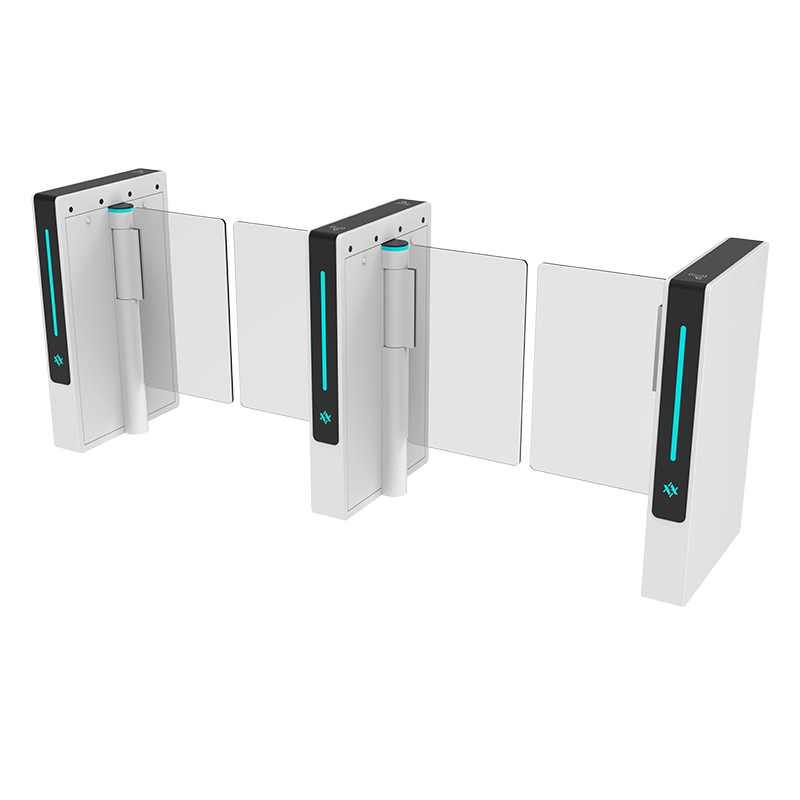
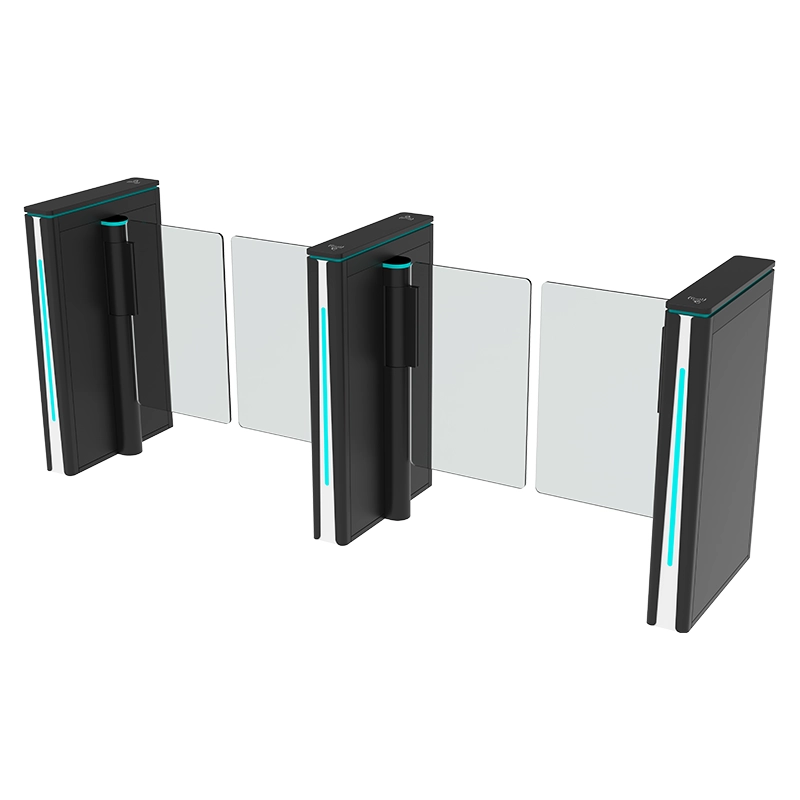
AIPADA swing gates can be configured to work with compatible RFID readers, QR scanners, facial-recognition terminals and third-party access controllers. The exact cabinet opening, electrical input and communication requirement should be confirmed for the selected model before production.
The AIPADA AT202 brushless motor swing turnstile supports access-control integration, directional configuration, passage sensing and configurable operating modes. Project-specific interfaces should be checked against the final wiring diagram rather than assumed from a general product description.
You can also review the complete AIPADA Swing Turnstile range to select a cabinet and passage arrangement before confirming the access-control hardware.
Confirm the Interface Before Ordering
Send AIPADA your reader model, controller output, device dimensions, required lane direction and expected alarm signals. The team can review the physical mounting and gate-control requirements before production.
Frequently Asked Questions
Does the RFID reader connect directly to the swing gate motor?
Normally, no. The reader or terminal communicates with an access controller or performs its own validation. An approved result then produces an opening request for the gate control board, which manages the motor and barrier.
Does the swing gate receive the user’s biometric information?
Usually the biometric terminal performs or manages identity verification. The gate normally receives an approved opening command rather than biometric templates. The actual architecture should be confirmed with the terminal and controller supplier.
Can any access controller open an AIPADA swing gate?
A compatible controller may operate the gate when its output type, contact behaviour, pulse duration and wiring match the selected gate input. Compatibility must be confirmed before connection.
Is RS-485 automatically compatible between different devices?
No. RS-485 defines an electrical communication method, but the devices must also use a compatible protocol, address, baud rate and data definition.
What causes a valid card to be accepted without opening the gate?
Possible causes include an incorrect controller output, missing relay connection, reversed entry and exit inputs, unsuitable pulse duration, gate alarm state, emergency mode or configuration error. Test each point in the signal chain instead of replacing the reader immediately.
What should be recorded during commissioning?
Record the credential result, controller output, gate input, opening direction, sensor sequence, closing response, returned event, configuration version and result of abnormal-passage tests.
Follow the Signal, Not Just the Symptom
A reliable swing gate access control installation depends on clearly defined boundaries between the credential reader, access controller, gate control board, sensors and management platform.
When a fault occurs, follow the signal in order: credential capture, authorization decision, relay or communication output, gate input, control-board state, barrier movement, passage sensing, safe closure and event return. This approach makes integration easier to verify and future problems easier to diagnose.